Die Wiedergabe lädt den eingebetteten YouTube-Player (erweiterter Datenschutzmodus).
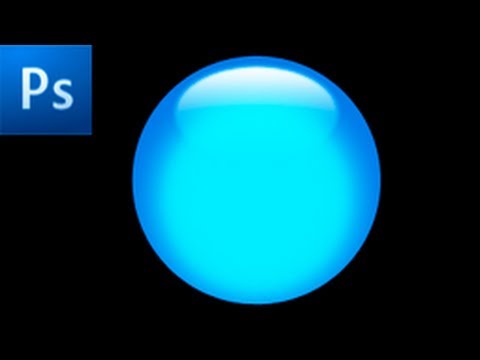
Photoshop Tutorial: Erstellen Sie ein Glossy Button -HD-
KanalRiverCityGraphixÜber dieses Tutorial
RiverCityGraphix hat dieses 4:17 lange Video-Tutorial am 11. November 2012 veröffentlicht. Es wurde 32.565-mal auf YouTube angesehen.
- Kanal
- RiverCityGraphix
- Kategorie
- Bildung
- Dauer
- 4:17
- Veröffentlicht
- 11. November 2012
- Aufrufe
- 32.565
- Likes
- 241
Teilen
Dieses Tutorial in anderen Sprachen
- ENPhotoshop Tutorial: Create a Glossy Button -HD-
- FRTutoriel Photoshop: Créer un bouton brillant -HD-
- ESTutorial de Photoshop: Crear un botón brillante -HD-
- PTPhotoshop Tutorial: Criar um botão Glossy -HD-
- ITTutorial Photoshop: Creare un pulsante lucido -HD-
- NLPhotoshop Tutorial: Maak een Glanzende Knoop -HD-
- RUPhotoshop Tutorial: Создание Глянцевая кнопки -HD-
- PLPhotoshop Tutorial: Tworzenie błyszczący przycisk -HD-
- JAPhotoshopのチュートリアル:光沢のあるボタンを作成-HD-
- ARدروس فوتوشوب: إنشاء زر لامع -HD-
- HIफ़ोटोशॉप ट्यूटोरियल: एक चमकदार बटन बनाएं -HD-
- IDPhotoshop Tutorial: Buat Tombol Glossy -HD-