La reproducción carga el reproductor integrado de YouTube (modo de privacidad mejorada).
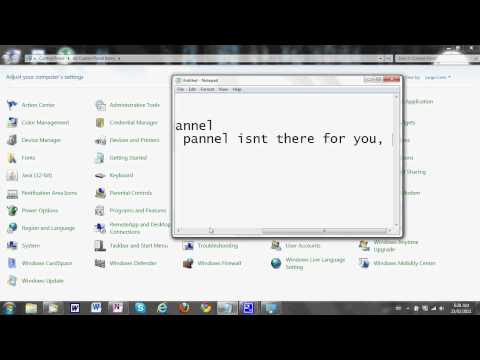
Cómo averiguar si su sistema es de 32 bits o 64 bits!
CanalImCanadianEh5Sobre este tutorial
ImCanadianEh5 publicó este tutorial en vídeo de 3:37 el 1 de noviembre de 2011. Se ha visto 131.354 veces en YouTube.
- Canal
- ImCanadianEh5
- Categoría
- Consejos y estilo
- Duración
- 3:37
- Publicado
- 1 de noviembre de 2011
- Visualizaciones
- 131.354
- Me gusta
- 575
Compartir
Este tutorial en otros idiomas
- ENHow To Find Out If Your System is 32-Bit Or 64-Bit!
- FRComment savoir si votre système est 32 bits ou 64 bits!
- PTComo descobrir se o seu sistema é de 32 bits ou 64 bits!
- ITCome scoprire se il sistema è a 32-bit o 64-bit!
- DESo finden Sie heraus, ob Ihr System ist 32-Bit oder 64-Bit!
- NLHoe om te achterhalen of uw systeem is 32-bits of 64-bits!
- RUКак узнать, если ваша система 32-разрядная или 64-Bit!
- PLJak dowiedzieć się, czy system jest 32-bitowy czy 64-bitowy!
- JAお使いのシステムが32ビットまたは64ビットであるかどうかを確認する方法!
- ARكيفية معرفة ما إذا كان النظام الخاص بك هو 32 بت أو 64 بت!
- HIकैसे जानने के लिए कि आपका सिस्टम 32-बिट या 64-बिट है!
- IDCara Cari Out Jika Sistem Anda adalah 32-Bit Atau 64-Bit!