La lecture charge le lecteur YouTube intégré (mode confidentialité renforcée).
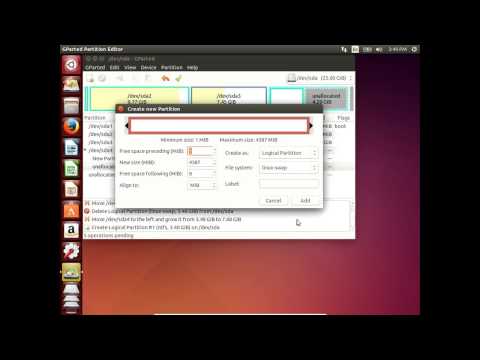
Comment utiliser GParted pour gérer les partitions dans Ubuntu 14.04
ChaîneKrzysztof NicpońÀ propos de ce tutoriel
Krzysztof Nicpoń a publié ce tutoriel vidéo de 4:42 le 8 novembre 2017. Il a été vu 11 314 fois sur YouTube.
- Chaîne
- Krzysztof Nicpoń
- Catégorie
- Éducation
- Durée
- 4:42
- Publié le
- 8 novembre 2017
- Vues
- 11 314
- J’aime
- 18
Partager
Ce tutoriel dans d’autres langues
- ENHow to use gparted to manage partitions in Ubuntu 14.04
- ESCómo utilizar GParted para gestionar particiones en Ubuntu 14.04
- PTComo usar o GParted para gerenciar partições no Ubuntu 14.04
- ITCome usare GParted per gestire le partizioni in Ubuntu 14.04
- DEWie GParted verwenden Partitionen in Ubuntu 14.04 zu verwalten
- NLHoe te gebruiken GParted om partities te beheren in Ubuntu 14.04
- RUКак использовать GParted для управления разделами в Ubuntu 14.04
- PLJak korzystać GParted do zarządzania partycjami w Ubuntu 14.04
- JAUbuntuの14.04でパーティションを管理するためにgpartedの使用方法
- ARكيفية استخدام من GParted لإدارة الأقسام في أوبونتو 14.04
- HIकैसे GParted उपयोग करने के लिए Ubuntu 14.04 में विभाजन का प्रबंधन करने के
- IDCara menggunakan GParted untuk mengelola partisi di Ubuntu 14.04