La lecture charge le lecteur YouTube intégré (mode confidentialité renforcée).
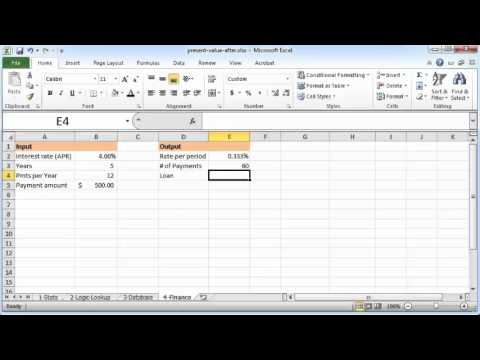
Tutoriel Excel : Calculer la valeur actuelle (VA) dans Excel 2010
ChaîneCodibleDescription de l’auteur
Quelques excellents livres sur Excel et la finance :
*Modélisation financière* – de Benninga
*Principes de finance avec Excel* – de Benninga
*Modélisation financière* – de Benninga
*Principes de finance avec Excel* – de Benninga
À propos de ce tutoriel
Codible a publié ce tutoriel vidéo de 4:02 le 1 novembre 2012. Il a été vu 212 243 fois sur YouTube.
Partager
Ce tutoriel dans d’autres langues
- ENExcel tutorial: Present value (PV) in excel 2010
- ESExcel tutorial: valor actual (PV) en Excel 2010
- PTtutorial Excel: Valor presente (PV) no Excel 2010
- ITExcel tutorial: Valore attuale (PV) in Excel 2010
- DEExcel-Tutorial: Barwert (PV) in Excel 2010
- NLExcel Tutorial: Huidige waarde (PV) in Excel 2010
- RUExcel учебник: Текущее значение (PV) в Excel 2010
- PLporadnik Excel: Wartość bieżąca (PV) w programie Excel 2010
- JAExcelのチュートリアル:エクセル2010年の現在価値(PV)
- ARالتفوق التعليمي: القيمة الحالية (PV) في اكسل 2010
- HIएक्सेल ट्यूटोरियल: Excel 2010 में वर्तमान मूल्य (PV)
- IDExcel tutorial: Nilai sekarang (PV) di excel 2010