La lecture charge le lecteur YouTube intégré (mode confidentialité renforcée).
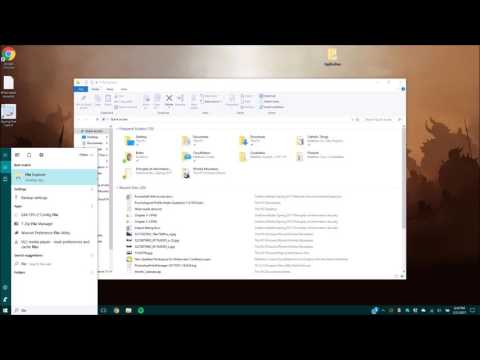
Comment trouver si votre ordinateur est de 32 bits ou 64 bits sous Windows 7,8,10
ChaîneMatthew CookeÀ propos de ce tutoriel
Matthew Cooke a publié ce tutoriel vidéo de 1:01 le 1 novembre 2017. Il a été vu 4 056 fois sur YouTube.
- Chaîne
- Matthew Cooke
- Catégorie
- Astuces & style
- Durée
- 1:01
- Publié le
- 1 novembre 2017
- Vues
- 4 056
- J’aime
- 11
Partager
Ce tutoriel dans d’autres langues
- ENHow to find if your computer is 32 bit or 64 bit in Windows 7,8,10
- ES¿Cómo encontrar si el equipo es de 32 bits o 64 bits en Windows 7,8,10
- PTComo descobrir se seu computador é de 32 bits ou 64 bits no Windows 7,8,10
- ITCome trovare se il computer è a 32 bit o 64 bit in Windows 7,8,10
- DESo finden Sie, wenn Ihr Computer 32-Bit oder 64-Bit-Windows 7,8,10
- NLHoe te vinden als uw computer is 32 bit of 64 bit in Windows 7,8,10
- RUКак найти, если ваш компьютер 32 бит или 64 бит Windows, 7,8,10
- PLJak się dowiedzieć, czy komputer jest 32-bitowy czy 64-bitowy Windows 7,8,10
- JAお使いのコンピュータは、32ビットまたは64ビットのWindowsであればどのように見つけるか7,8,10
- ARكيف تجد إذا كان الكمبيوتر هو 32 بت أو 64 بت في Windows 7،8،10
- HIअगर आपके कंप्यूटर 32 बिट या Windows 7,8,10 में 64 बिट है कैसे पता लगाने के लिए
- IDBagaimana menemukan jika komputer Anda adalah 32 bit atau 64 bit pada Windows 7,8,10