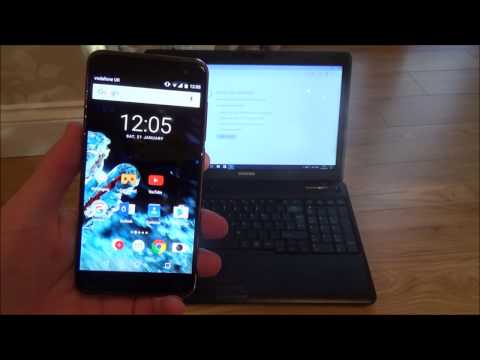
La lecture charge le lecteur YouTube intégré (mode confidentialité renforcée).
Comment utiliser le partage de connexion USB sur Android
ChaîneMy Mate VINCEDescription de l’auteur
Salut à tous ! Dans cette vidéo, je vous montre comment activer le partage de connexion USB depuis votre smartphone Android pour partager sa connexion internet avec votre ordinateur portable ou PC.
Un grand merci à Vince !
Un grand merci à Vince !
À propos de ce tutoriel
My Mate VINCE a publié ce tutoriel vidéo de 2:41 le 8 novembre 2017. Il a été vu 944 977 fois sur YouTube.
- Chaîne
- My Mate VINCE
- Catégorie
- Astuces & style
- Durée
- 2:41
- Publié le
- 8 novembre 2017
- Vues
- 944 977
- J’aime
- 7 190
Partager
Ce tutoriel dans d’autres langues
- ENHow to use Android Phone USB Tethering
- ESCómo utilizar el teléfono Android Tethering USB
- PTComo usar o Android Phone Tethering USB
- ITCome utilizzare Android Phone Tethering USB
- DEWie man Android Phone USB-Tethering verwenden
- NLHoe maak je Android-telefoon USB Tethering gebruiken
- RUКак использовать Android телефон USB Tethering
- PLJak korzystać z telefonu Android USB Udostępnianie
- JAAndroid携帯用のUSBテザリングを使用する方法
- ARكيفية استخدام الروبوت الهاتف USB الربط
- HIएंड्रॉयड फोन यूएसबी Tethering का उपयोग कैसे करें
- IDCara menggunakan Android Phone USB Tethering