La lecture charge le lecteur YouTube intégré (mode confidentialité renforcée).
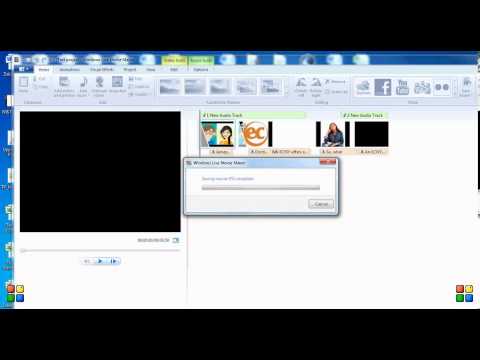
Comment ajouter deux pistes audio dans Windows Live Movie Maker
ChaîneJamey SadownickDescription de l’auteur
Voici un tutoriel rapide pour ajouter deux couches sonores dans Windows Live Movie Maker. Dans le résultat final, vous n’entendrez pas la deuxième piste, mais je vous assure qu’elle est bien là ! 😉
À propos de ce tutoriel
Jamey Sadownick a publié ce tutoriel vidéo de 2:52 le 8 novembre 2013. Il a été vu 238 032 fois sur YouTube.
- Chaîne
- Jamey Sadownick
- Catégorie
- Vlogs & lifestyle
- Durée
- 2:52
- Publié le
- 8 novembre 2013
- Vues
- 238 032
- J’aime
- 1 055
Partager
Ce tutoriel dans d’autres langues
- ENHow to add 2 layers of audio in Windows Live Movie Maker
- ESCómo agregar 2 capas de sonido en Windows Live Movie Maker
- PTComo adicionar 2 camadas de áudio no Windows Live Movie Maker
- ITCome aggiungere 2 strati di audio in Windows Live Movie Maker
- DEWie zwei Schichten von Audio-in Windows Live Movie Maker hinzufügen
- NLHoe kan ik 2 lagen geluid toevoegen in Windows Live Movie Maker
- RUКак добавить 2 слоя аудио в Windows Live Movie Maker
- PLJak dodać 2 warstw dźwięku w Windows Live Movie Maker
- JAWindows Liveムービーメーカーでオーディオの2層を追加する方法
- ARكيفية إضافة 2 طبقات الصوت في ويندوز لايف موفي ميكر
- HIविंडोज लाइव मूवी मेकर में ऑडियो के 2 परतों को कैसे जोड़ें
- IDBagaimana menambahkan 2 lapisan audio dalam Windows Live Movie Maker