La lecture charge le lecteur YouTube intégré (mode confidentialité renforcée).
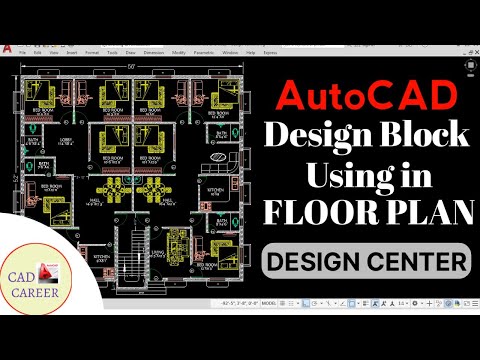
Comment utiliser Design Center dans Autocad || AdCenter Commande Dans AutoCAD || Design pour le dessin
ChaîneCAD CAREERÀ propos de ce tutoriel
CAD CAREER a publié ce tutoriel vidéo de 8:42 le 26 octobre 2017. Il a été vu 150 263 fois sur YouTube.
- Chaîne
- CAD CAREER
- Catégorie
- Vlogs & lifestyle
- Durée
- 8:42
- Publié le
- 26 octobre 2017
- Vues
- 150 263
- J’aime
- 2 069
Partager
Ce tutoriel dans d’autres langues
- ENHow to use Design Center in Autocad || Adcenter Command In AutoCAD || design added in drawing
- ESCómo utilizar Centro de Diseño de Autocad en || Adcenter Comando En AutoCAD || Diseño añadido en el dibujo
- PTComo usar o Design Center em Autocad || Adcenter comando no AutoCAD || design adicionado no desenho
- ITCome utilizzare Design Centre di Autocad || Adcenter Comando In AutoCAD || DESIGN aggiunto nel disegno
- DEWie Design Center in Autocad verwenden || Adcenter Befehl in AutoCAD || Design in Zeichnung hinzugefügt
- NLHoe te Design Center te gebruiken in Autocad || AdCenter Command In AutoCAD || Ontwerp toegevoegd tekening
- RUКак использовать Design Center в Autocad || Adcenter Command В AutoCAD || дизайн добавлен в рисовании
- PLJak korzystać Design Center w Autocad || ADCENTER poleceń AutoCAD || zaprojektować dodano rysunek
- JAAutoCADでデザインセンターを使用する方法|| adCenterのコマンドでAutoCADの||図面に追加デザイン
- ARكيفية استخدام مركز التصميم في أوتوكاد || ان AdCenter القيادة في أوتوكاد || تصميم وأضاف في الرسم
- HIऑटोकैड में डिजाइन सेंटर का उपयोग कैसे करें || विज्ञापन केंद्र कमान में ऑटोकैड || ड्राइंग में गयी डिजाइन
- IDCara menggunakan Design Center di Autocad || AdCenter Command Dalam AutoCAD || juga perancangan ditambahkan dalam menggambar