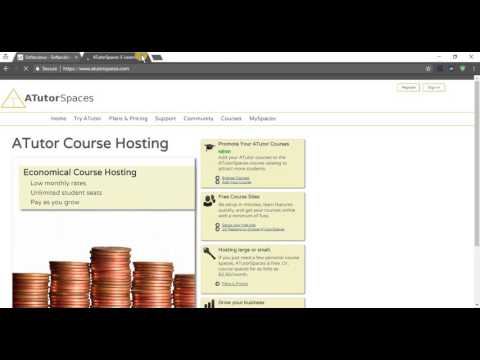
La lecture charge le lecteur YouTube intégré (mode confidentialité renforcée).
Comment installer ATutor de cPanel avec Softaculous
ChaînePlotHostÀ propos de ce tutoriel
PlotHost a publié ce tutoriel vidéo de 3:27 le 14 novembre 2017. Il a été vu 117 fois sur YouTube.
- Chaîne
- PlotHost
- Catégorie
- Science & technologie
- Durée
- 3:27
- Publié le
- 14 novembre 2017
- Vues
- 117
Partager
Ce tutoriel dans d’autres langues
- ENHow to install ATutor from cPanel with Softaculous
- ESComo instalar ATutor de cPanel con Softaculous
- PTComo instalar ATutor de cPanel com Softaculous
- ITCome installare ATutor da cPanel con Softaculous
- DEWie installiert man ATutor von cPanel mit Softaculous
- NLHoe te ATutor installeren vanaf cPanel met Softaculous
- RUКак установить ATutor из CPanel с Softaculous
- PLJak zainstalować ATutor z cPanel z Softaculous
- JASoftaculousとcPanelのからATutorのインストール方法
- ARكيفية تثبيت نظام ATutor من وحة التحكم مع Softaculous
- HISoftaculous साथ cPanel से ATutor स्थापित करने के लिए
- IDCara menginstal ATutor dari cPanel dengan Softaculous