La lecture charge le lecteur YouTube intégré (mode confidentialité renforcée).
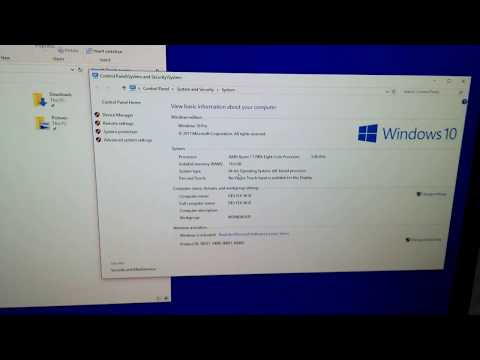
Comment vérifier si Windows est de 32 bits (x86) ou 64 bits (x64)
ChaînefuruleviÀ propos de ce tutoriel
furulevi a publié ce tutoriel vidéo de 1:11 le 1 novembre 2018. Il a été vu 80 882 fois sur YouTube.
- Chaîne
- furulevi
- Catégorie
- Science & technologie
- Durée
- 1:11
- Publié le
- 1 novembre 2018
- Vues
- 80 882
- J’aime
- 447
Partager
Ce tutoriel dans d’autres langues
- ENHow to Check if Windows is 32-Bit (x86), or 64-Bit (x64)
- ESCómo comprobar si Windows es de 32 bits (x86) o 64 bits (x64)
- PTComo verificar se o Windows é de 32 bits (x86) ou 64 bits (x64)
- ITCome controllare se Windows è a 32 bit (x86) o 64 bit (x64)
- DEWie um zu überprüfen, ob Windows 32-Bit (x86) ist, oder 64-Bit (x64)
- NLHoe om te controleren of Windows 32-bits (x86), of 64-bit (x64)
- RUКак проверить, если Windows, является 32-разрядный (x86) или 64-разрядный (x64)
- PLJak sprawdzić, czy system Windows jest 32-bitowy (x86) lub 64-bitowy (x64)
- JAWindowsは32ビット(x86)、または64ビット(x64)であるかどうかをチェックする方法
- ARكيفية معرفة ما اذا كان ويندوز هو 32 بت (x86) أو 64 بت (x64) و
- HIचेक कैसे करता है, तो Windows 32-bit (x86), या 64-बिट (64) है
- IDBagaimana Periksa apakah Windows 32-Bit (x86), atau 64-Bit (x64)