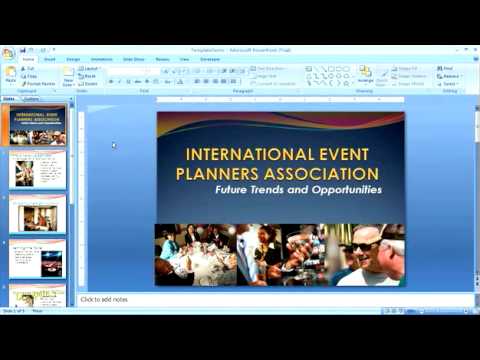
Pemutaran memuat pemutar YouTube tersemat (mode privasi yang ditingkatkan).
Cara Membuat dan Menggunakan Template PowerPoint untuk Pemula
SaluranfordummiesDeskripsi dari pembuat
Membuat template PowerPoint memungkinkan Anda mengontrol dan mengubah warna tema, font, efek, latar belakang, dan unsur tata letak tertentu di satu tempat saja, bukan di setiap slide secara individual. Anda tidak perlu mendownload template; mereka sudah tersedia di PowerPoint. Video ini memberikan tips berguna untuk menggunakannya.
Tentang tutorial ini
fordummies memublikasikan tutorial video berdurasi 5:01 ini pada 14 November 2009. Video ini telah ditonton 222.386 kali di YouTube.
- Saluran
- fordummies
- Kategori
- Tips & Gaya
- Durasi
- 5:01
- Dipublikasikan
- 14 November 2009
- Penayangan
- 222.386
- Suka
- 222
Bagikan
Tutorial ini dalam bahasa lain
- ENHow to Create and Apply PowerPoint Templates For Dummies
- FRComment créer et appliquer PowerPoint modèles pour les nuls
- ESCómo crear y aplicar plantillas de PowerPoint para los maniquíes
- PTComo criar e aplicar modelos de Powerpoint For Dummies
- ITCome creare e applicare PowerPoint Templates For Dummies
- DEWie Erstellen und Powerpoint-Vorlagen für Dummies Bewerben
- NLHoe te maken en toe PowerPoint templates voor Dummies
- RUКак создать и применить PowerPoint шаблоны для чайников
- PLJak utworzyć i zastosować PowerPoint Szablony dla opornych
- JAダミーのためのPowerPointテンプレートを作成し、適用する方法
- ARكيفية إنشاء وتطبيق باور بوينت قوالب للحصول على الدمى
- HIकैसे बनाएं और PowerPoint टेम्पलेट्स Dummies के लिए लागू करने के लिए