La riproduzione carica il player incorporato di YouTube (modalità privacy avanzata).
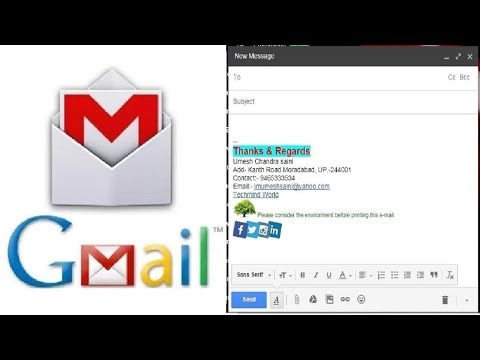
Come aggiungere o creare una firma e un logo permanenti nella posta di Gmail
CanaleTECHMIND WORLDDescrizione dell’autore
In questo video ti mostro come aggiungere o creare una firma e un logo permanenti nelle email di Gmail. Quindi, guarda fino alla fine!
Seguimi su:
Musica: *Sweet as Honey (Free Music)*
Artisti: Topher Mohr e Alex Elena
Album: *YouTube Audio Library*
Voce: Umesh C Saini
Seguimi su:
Musica: *Sweet as Honey (Free Music)*
Artisti: Topher Mohr e Alex Elena
Album: *YouTube Audio Library*
Voce: Umesh C Saini
Informazioni su questo tutorial
TECHMIND WORLD ha pubblicato questo video tutorial di 6:20 il 9 novembre 2017. È stato visto 1.166.221 volte su YouTube.
- Canale
- TECHMIND WORLD
- Categoria
- Istruzione
- Durata
- 6:20
- Pubblicato
- 9 novembre 2017
- Visualizzazioni
- 1.166.221
- Mi piace
- 11.504
Condividi
Questo tutorial in altre lingue
- ENHow to add | Create Permanent Signature & Logo to Email in Gmail
- FRComment ajouter | Créer permanent Signature & Logo de E-mail dans Gmail
- ESCómo agregar | Crear Firma y del logotipo Permanente de correo electrónico en Gmail
- PTComo adicionar | Criar Assinatura Permanente & Logo aos mail no Gmail
- DEWie hinzufügen | Erstellen Permanent Signature & Logo auf E-Mail in Google Mail
- NLHoe toe te voegen | Maak Permanente Signature & Logo naar e-mail in Gmail
- RUКак добавить | Создание постоянного Signature & Логотип для электронной почты в Gmail
- PLJak dodać | Tworzyć stałe Podpis & logo, aby e-mail w Gmailu
- JA追加する方法| Gmailでメールに常設シグネチャー&ロゴを作成します。
- ARكيفية إضافة | إنشاء التوقيع الدائم والشعار إلى البريد الإلكتروني في Gmail
- HIकैसे जोड़ने के लिए | Gmail में स्थायी हस्ताक्षर और ईमेल करने के लिए लोगो बनाएं
- IDBagaimana menambahkan | Buat permanen Signature & Logo untuk Email di Gmail