La riproduzione carica il player incorporato di YouTube (modalità privacy avanzata).
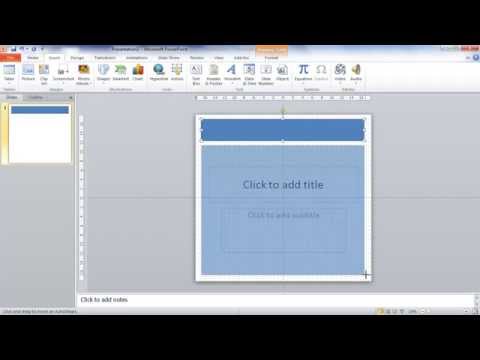
Come creare un poster con PowerPoint
CanaleNicolle JohnsonDescrizione dell’autore
In questa guida ti mostro passo dopo passo come realizzare un poster perfetto con Microsoft PowerPoint. La dimensione consigliata nel video è ideale per presentazioni di ricerca universitaria, ma puoi adattarla anche per ufficio. Scoprirai anche come usare forme, immagini, SmartArt e caselle di testo per un risultato professionale.
Informazioni su questo tutorial
Nicolle Johnson ha pubblicato questo video tutorial di 11:27 il 26 ottobre 2014. È stato visto 1.820.817 volte su YouTube.
- Canale
- Nicolle Johnson
- Categoria
- Istruzione
- Durata
- 11:27
- Pubblicato
- 26 ottobre 2014
- Visualizzazioni
- 1.820.817
- Mi piace
- 11.296
Condividi
Questo tutorial in altre lingue
- ENHow to Create a Poster in PowerPoint
- FRComment faire pour créer une affiche dans PowerPoint
- ESCómo crear un cartel en PowerPoint
- PTComo criar um cartaz em PowerPoint
- DEWie ein Plakat in Powerpoint erstellen
- NLHoe kan ik een Poster in PowerPoint
- RUКак создать постер в PowerPoint
- PLJak utworzyć plakat w programie PowerPoint
- JAPowerPointのポスターを作成する方法
- ARكيفية إنشاء المشارك في PowerPoint
- HIPowerPoint में एक पोस्टर बनाने के लिए कैसे
- IDCara Membuat Poster di PowerPoint