La riproduzione carica il player incorporato di YouTube (modalità privacy avanzata).
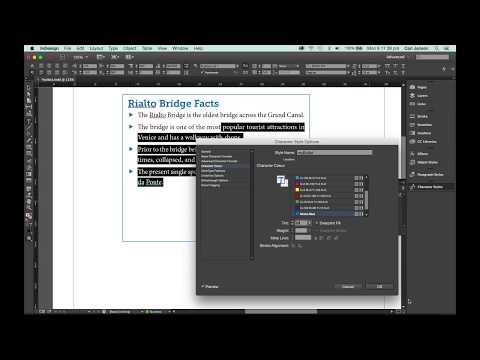
Come modificare il colore dei caratteri puntati in InDesign
CanaleCari JansenInformazioni su questo tutorial
Cari Jansen ha pubblicato questo video tutorial di 4:20 il 31 ottobre 2015. È stato visto 78.382 volte su YouTube.
- Canale
- Cari Jansen
- Categoria
- Istruzione
- Durata
- 4:20
- Pubblicato
- 31 ottobre 2015
- Visualizzazioni
- 78.382
- Mi piace
- 258
Condividi
Questo tutorial in altre lingue
- ENHow to change the color of bulleted characters in InDesign
- FRComment changer la couleur des caractères dans InDesign à puces
- ESCómo cambiar el color de los caracteres viñetas en InDesign
- PTComo mudar a cor de caracteres marcadores no InDesign
- DEWie die Farbe der Aufzählungszeichen in InDesign ändern
- NLHoe de kleur van de opsommingstekens personages in InDesign veranderen
- RUКак изменить цвет маркированных символов в InDesign
- PLJak zmienić kolor punktowane znaków w programie InDesign
- JAInDesignで箇条書き文字の色を変更する方法
- ARكيفية تغيير لون الأحرف التعداد النقطي في InDesign
- HIकैसे InDesign में बुलेटेड पात्रों में से रंग बदलने के लिए
- IDCara mengubah warna karakter bullet di InDesign