La riproduzione carica il player incorporato di YouTube (modalità privacy avanzata).
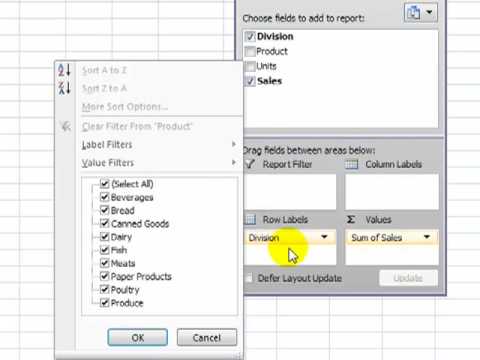
Come creare tabelle pivot in Excel 2007
CanaleDanny RocksInformazioni su questo tutorial
Danny Rocks ha pubblicato questo video tutorial di 9:49 il 2 novembre 2010. È stato visto 157.818 volte su YouTube.
- Canale
- Danny Rocks
- Categoria
- Scienza e tecnologia
- Durata
- 9:49
- Pubblicato
- 2 novembre 2010
- Visualizzazioni
- 157.818
- Mi piace
- 284
Condividi
Questo tutorial in altre lingue
- ENHow to Create Pivot Tables in Excel 2007
- FRComment créer des tableaux croisés dynamiques dans Excel 2007
- ESCómo crear tablas dinámicas en Excel 2007
- PTComo criar tabelas dinâmicas no Excel 2007
- DESo erstellen Sie Pivot-Tabellen in Excel 2007
- NLHoe te draaitabellen in Excel 2007 maken
- RUСоздание сводных таблиц в Excel 2007
- PLJak tworzyć tabele przestawne w Excelu 2007
- JAExcel 2007でピボットテーブルを作成する方法
- ARكيفية إنشاء الجداول المحورية في Excel 2007
- HIकैसे Excel 2007 पिवट तालिका बनाने के लिए
- IDCara Membuat Pivot Tabel di Excel 2007