La riproduzione carica il player incorporato di YouTube (modalità privacy avanzata).
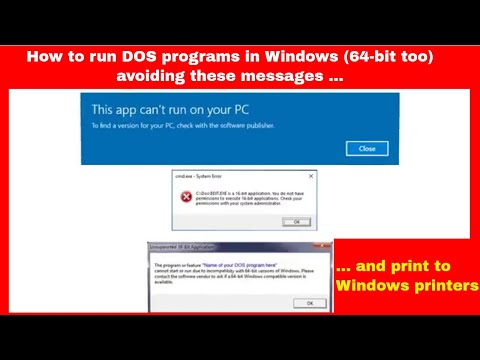
Come eseguire programmi DOS in Windows (64 bit troppo) e stampare su stampanti Windows
CanaleaSwIt s.r.l.Informazioni su questo tutorial
aSwIt s.r.l. ha pubblicato questo video tutorial di 2:34 il 7 novembre 2018. È stato visto 47.850 volte su YouTube.
- Canale
- aSwIt s.r.l.
- Categoria
- Scienza e tecnologia
- Durata
- 2:34
- Pubblicato
- 7 novembre 2018
- Visualizzazioni
- 47.850
- Mi piace
- 129
Condividi
Questo tutorial in altre lingue
- ENHow to run DOS programs in Windows (64-bit too) and print to Windows printers
- FRComment faire pour exécuter des programmes DOS sous Windows (64 bits trop) et imprimer sur les imprimantes Windows
- ESCómo ejecutar programas DOS en Windows (64 bits también) e imprimir en impresoras de Windows
- PTComo executar programas do DOS no Windows (64 bits também) e imprimir em impressoras do Windows
- DEWie DOS-Programme in Windows (64-Bit zu) und drucken zu Windows-Drucker laufen
- NLHoe maak je DOS-programma's draaien onder Windows (64-bit ook) en af te drukken op Windows-printers
- RUКак запускать программы DOS в Windows (64-битными) и печатать на принтерах Windows,
- PLJak uruchamiać programy DOS w systemie Windows (64-bit też) i wydrukować na drukarkach systemu Windows
- JA(64ビットすぎ)WindowsでDOSプログラムを実行すると、Windowsのプリンタに印刷する方法
- ARكيفية تشغيل برامج DOS في ويندوز (64 بت أيضا) والطباعة إلى طابعات ويندوز
- HIविंडोज (64-बिट भी) में डॉस प्रोग्राम को चलाने और Windows प्रिंटर से प्रिंट करने के लिए कैसे
- IDBagaimana menjalankan program DOS pada Windows (64-bit juga) dan mencetak ke printer Windows