La riproduzione carica il player incorporato di YouTube (modalità privacy avanzata).
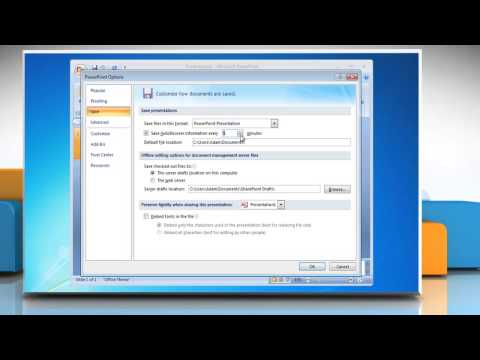
Come gestire le impostazioni di salvataggio automatico in PowerPoint 2007
CanaleHow-To GuideInformazioni su questo tutorial
How-To Guide ha pubblicato questo video tutorial di 0:59 il 15 novembre 2013. È stato visto 18.167 volte su YouTube.
- Canale
- How-To Guide
- Categoria
- Scienza e tecnologia
- Durata
- 0:59
- Pubblicato
- 15 novembre 2013
- Visualizzazioni
- 18.167
- Mi piace
- 36
Condividi
Questo tutorial in altre lingue
- ENHow to Manage AutoRecover settings in PowerPoint 2007
- FRComment gérer les paramètres de récupération automatique dans PowerPoint 2007
- ESCómo administrar la configuración de Autorrecuperación en PowerPoint 2007
- PTComo gerenciar as configurações de recuperação automática no PowerPoint 2007
- DEWie Verwalten von Einstellungen Autowiederherstellen in Powerpoint 2007
- NLHoe te AutoRecover instellingen beheren in PowerPoint 2007
- RUКак управлять настройками автовосстановления в PowerPoint 2007
- PLJak zarządzać ustawieniami Autoodzyskiwania w programie PowerPoint 2007
- JAPowerPoint 2007で自動バックアップ設定を管理する方法
- ARكيفية إدارة إعدادات الاسترداد التلقائي في PowerPoint 2007
- HIकैसे PowerPoint 2007 में स्वत: पुनर्प्राप्ति सेटिंग प्रबंधित करने के लिए
- IDBagaimana Mengelola pengaturan AutoRecover di PowerPoint 2007