A reprodução carrega o leitor integrado do YouTube (modo de privacidade melhorada).
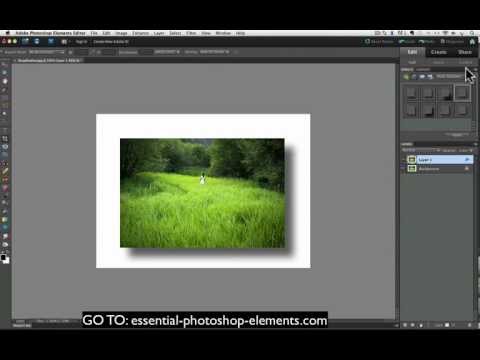
Como adicionar um Drop Shadow às suas fotos com o Photoshop Elements
CanalRick PetersonSobre este tutorial
Rick Peterson publicou este tutorial em vídeo de 9:30 em 31 de outubro de 2012. Foi visto 83 509 vezes no YouTube.
- Canal
- Rick Peterson
- Categoria
- Dicas e estilo
- Duração
- 9:30
- Publicado
- 31 de outubro de 2012
- Visualizações
- 83 509
- Gostos
- 434
Partilhar
Este tutorial noutros idiomas
- ENHow To Add A Drop Shadow To Your Photos With Photoshop Elements
- FRComment ajouter une ombre portée à vos photos avec Photoshop Elements
- ESCómo agregar una gota de sombra a las fotos con Photoshop Elements
- ITCome aggiungere una goccia ombra alle tue foto con Photoshop Elements
- DEWie man einen Tropfen Schatten, um Ihre Fotos mit Photoshop Elements
- NLHow To Een slagschaduw toevoegen aan uw foto's met Photoshop Elements
- RUКак добавить тень к вашим фотографиям с Photoshop Elements
- PLJak dodać Cień do zdjęć w programie Photoshop Elements
- JAPhotoshopの要素を持つ写真にAドロップシャドウを追加する方法
- ARكيفية إضافة شبح الهبوط إلى الصور الخاصة بك مع عناصر فوتوشوب
- HIकैसे एक ड्रॉप छाया के साथ फ़ोटोशॉप तत्वों आपका फोटो जोड़ने के लिए
- IDCara Tambah Sebuah Drop Shadow Untuk Foto Anda Dengan Photoshop Elements