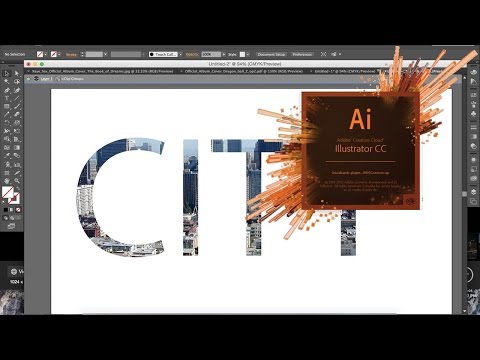
A reprodução carrega o leitor integrado do YouTube (modo de privacidade melhorada).
Como criar uma máscara de recorte no Illustrator CS6/CC
CanalRyan Joseph LongDescrição do autor
Uma habilidade fundamental para todos os utilizadores do Adobe Illustrator. Deixa que o Hodgepodge te mostre como criar uma máscara de recorte no Illustrator CS6/CC.
Sobre este tutorial
Ryan Joseph Long publicou este tutorial em vídeo de 1:32 em 10 de novembro de 2015. Foi visto 775 533 vezes no YouTube.
- Canal
- Ryan Joseph Long
- Categoria
- Dicas e estilo
- Duração
- 1:32
- Publicado
- 10 de novembro de 2015
- Visualizações
- 775 533
- Gostos
- 2 692
Partilhar
Este tutorial noutros idiomas
- ENHow to Make a Clipping Mask in Illustrator CS6/CC
- FRComment faire un masque de détourage dans Illustrator CS6 / CC
- ESCómo hacer una máscara de recorte en Illustrator CS6 / CC
- ITCome fare una maschera di ritaglio in Illustrator CS6 / CC
- DEWie eine Schnittmaske in Illustrator CS6 man / CC
- NLHoe maak je een Uitknipmasker maken in Illustrator CS6 / CC
- RUКак сделать Clipping Mask в Illustrator CS6 / CC
- PLJak zrobić maskę wycinek Illustrator CS6 / CC
- JAイラストレーターCS6 / CCでクリッピングマスクを作成する方法
- ARكيف اصنع قناع لقطة في Illustrator CS6 / CC
- HIइलस्ट्रेटर CS6 में एक कतरन मुखौटा बनाने के लिए कैसे / सीसी
- IDCara Membuat Clipping Mask di Illustrator CS6 / CC