La reproducción carga el reproductor integrado de YouTube (modo de privacidad mejorada).
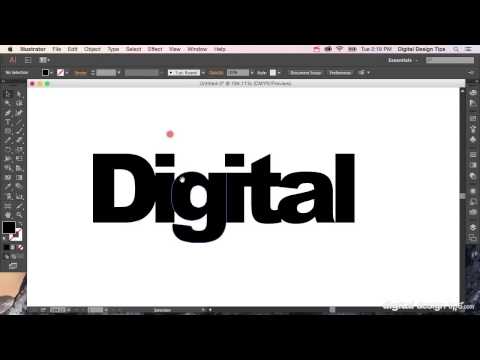
Cómo Crear contornos en Adobe Illustrator (convertir texto a formas)
CanalDigital Design TipsSobre este tutorial
Digital Design Tips publicó este tutorial en vídeo de 2:40 el 2 de noviembre de 2015. Se ha visto 157.263 veces en YouTube.
- Canal
- Digital Design Tips
- Categoría
- Personas y blogs
- Duración
- 2:40
- Publicado
- 2 de noviembre de 2015
- Visualizaciones
- 157.263
- Me gusta
- 639
Compartir
Este tutorial en otros idiomas
- ENHow to Create Outlines in Adobe Illustrator (convert text to shapes)
- FRComment créer Outlines dans Adobe Illustrator (texte de conversion aux formes)
- PTComo criar esboços no Adobe Illustrator (texto convertido para formas)
- ITCome Crea contorno in Adobe Illustrator (testo convertito alle forme)
- DESo erstellen Sie Outlines in Adobe Illustrator (convert Text zu Formen)
- NLHoe te Overzichten in Adobe Illustrator (Tekst omzetten naar vormen) maken
- RUКак создать Контуры в Adobe Illustrator (преобразование текста в формы)
- PLJak tworzyć konspekty w programie Adobe Illustrator (Konwersja tekstu na kształty)
- JAAdobe Illustratorの(形状への変換テキスト)でアウトラインを作成する方法
- ARكيفية إنشاء الخطوط العريضة في Adobe Illustrator (النص اعتنق الأشكال)
- HIकैसे एडोब इलस्ट्रेटर में रूपरेखा (आकार को परिवर्तित पाठ) बनाने के लिए
- IDCara Membuat Garis di Adobe Illustrator (convert teks ke bentuk)