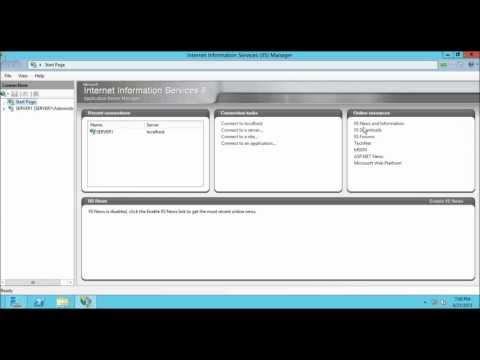
La lecture charge le lecteur YouTube intégré (mode confidentialité renforcée).
Comment activer l'authentification FTP anonyme dans IIS 8 sur Windows Server 2012
ChaîneSachin SamyÀ propos de ce tutoriel
Sachin Samy a publié ce tutoriel vidéo de 7:58 le 8 novembre 2013. Il a été vu 28 043 fois sur YouTube.
- Chaîne
- Sachin Samy
- Catégorie
- Science & technologie
- Durée
- 7:58
- Publié le
- 8 novembre 2013
- Vues
- 28 043
- J’aime
- 89
Partager
Ce tutoriel dans d’autres langues
- ENHow to enable FTP Anonymous Authentication in IIS 8 on Windows Server 2012
- ESCómo habilitar la autenticación anónima FTP en IIS 8 en Windows Server 2012
- PTComo habilitar a autenticação anônima FTP no IIS 8 no Windows Server 2012
- ITCome abilitare l'autenticazione anonima FTP in IIS 8 in Windows Server 2012
- DEWie FTP Anonyme Authentifizierung in IIS 8 unter Windows Server 2012 aktivieren
- NLHoe te FTP Anonieme verificatie in te schakelen in IIS 8 op Windows Server 2012
- RUКак включить FTP анонимную проверку подлинности в IIS 8 на Windows Server 2012
- PLJak włączyć uwierzytelnianie anonimowe FTP w IIS 8 w systemie Windows Server 2012
- JAWindows Serverの2012年IIS 8でFTP匿名認証を有効にする方法
- ARكيفية تمكين مصادقة مجهول FTP في IIS 8 على Windows Server 2012
- HIविंडोज सर्वर 2012 को आईआईएस 8 में एफ़टीपी बेनामी प्रमाणीकरण को सक्षम कैसे करें
- IDCara mengaktifkan FTP Anonymous Authentication di IIS 8 pada Windows Server 2012