La riproduzione carica il player incorporato di YouTube (modalità privacy avanzata).
Come creare loghi 3D animati e rotanti in After Effects
CanaleFattu TutorialsDescrizione dell’autore
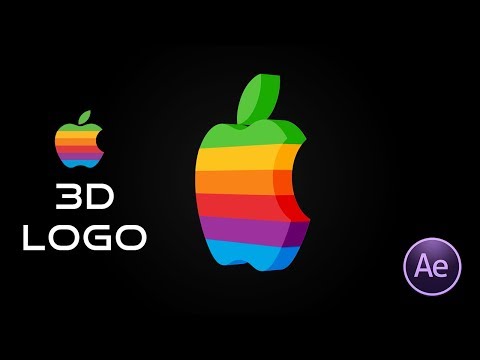
In questo tutorial di video editing, ti mostrerò passo dopo passo come trasformare un logo 2D piatto in formato PNG in un logo 3D animato e rotante usando After Effects CC 2018.
Informazioni su questo tutorial
Fattu Tutorials ha pubblicato questo video tutorial di 5:53 il 26 ottobre 2018. È stato visto 1.001.232 volte su YouTube.
- Canale
- Fattu Tutorials
- Categoria
- Film e animazione
- Durata
- 5:53
- Pubblicato
- 26 ottobre 2018
- Visualizzazioni
- 1.001.232
- Mi piace
- 15.741
Condividi
Questo tutorial in altre lingue
- ENHow to Create 3D Animated Rotating Logos in After Effects
- FRComment faire pour créer d'animation 3D Rotating Logos dans After Effects
- ESCómo crear Logos animados en 3D giratoria en After Effects
- PTComo criar 3D Animated Rotating Logos em After Effects
- DESo erstellen Sie 3D-Animationen Rotating Logos in After Effects
- NLHoe maak je 3D Animated Rotating Logos in After Effects
- RUКак создать анимированный 3D Вращающийся логотипы в After Effects
- PLJak utworzyć 3D Animated Rotating Logos w After Effects
- JAAfter Effectsの中で、3Dアニメーションの回転ロゴを作成する方法
- ARكيفية إنشاء 3D الرسوم المتحركة الدوارة شعارات في After Effects
- HIकैसे प्रभाव के बाद में 3 डी एनिमेटेड आवर्ती लोगो बनाने के लिए
- IDCara Membuat 3D animasi Rotating Logos di After Effects