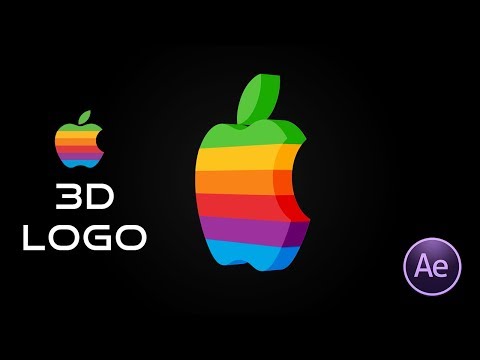
A reprodução carrega o leitor integrado do YouTube (modo de privacidade melhorada).
Como criar um logotipo animado 3D que gira no After Effects
CanalFattu TutorialsDescrição do autor
Neste tutorial de edição de vídeo, vou mostrar como transformar uma imagem plana de logotipo em PNG 2D num logotipo animado em 3D que gira no After Effects CC 2018.
Sobre este tutorial
Fattu Tutorials publicou este tutorial em vídeo de 5:53 em 26 de outubro de 2018. Foi visto 1 001 232 vezes no YouTube.
- Canal
- Fattu Tutorials
- Categoria
- Filmes e animação
- Duração
- 5:53
- Publicado
- 26 de outubro de 2018
- Visualizações
- 1 001 232
- Gostos
- 15 741
Partilhar
Este tutorial noutros idiomas
- ENHow to Create 3D Animated Rotating Logos in After Effects
- FRComment faire pour créer d'animation 3D Rotating Logos dans After Effects
- ESCómo crear Logos animados en 3D giratoria en After Effects
- ITCome creare 3D Animated Rotating Logos in After Effects
- DESo erstellen Sie 3D-Animationen Rotating Logos in After Effects
- NLHoe maak je 3D Animated Rotating Logos in After Effects
- RUКак создать анимированный 3D Вращающийся логотипы в After Effects
- PLJak utworzyć 3D Animated Rotating Logos w After Effects
- JAAfter Effectsの中で、3Dアニメーションの回転ロゴを作成する方法
- ARكيفية إنشاء 3D الرسوم المتحركة الدوارة شعارات في After Effects
- HIकैसे प्रभाव के बाद में 3 डी एनिमेटेड आवर्ती लोगो बनाने के लिए
- IDCara Membuat 3D animasi Rotating Logos di After Effects