La riproduzione carica il player incorporato di YouTube (modalità privacy avanzata).
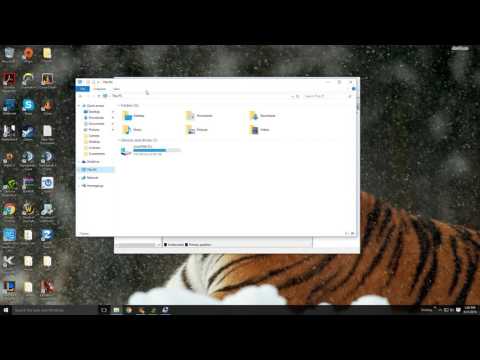
Come installare e attivare un secondo disco fisso in Windows 10
CanaleBoostyDescrizione dell’autore
Scopri come attivare e formattare un secondo disco fisso in Windows 10 per avere spazio extra. Se hai domande, scrivile pure qui sotto! FUNZIONA ALLO STESSO MODO ANCHE PER GLI SSD.
Informazioni su questo tutorial
Boosty ha pubblicato questo video tutorial di 3:31 il 27 ottobre 2016. È stato visto 2.082.535 volte su YouTube.
- Canale
- Boosty
- Categoria
- Scienza e tecnologia
- Durata
- 3:31
- Pubblicato
- 27 ottobre 2016
- Visualizzazioni
- 2.082.535
- Mi piace
- 34.340
Condividi
Questo tutorial in altre lingue
- ENHow to Install and Activate a Second Hard Drive in Windows 10
- FRComment faire pour installer et activer un deuxième disque dur dans Windows 10
- ESCómo instalar y activar una segunda unidad de disco duro en Windows 10
- PTComo instalar e ativar um segundo disco rígido no Windows 10
- DEWie Installieren und eine zweite Festplatte in Windows 10 aktivieren
- NLHoe te installeren en activeren van een tweede harde schijf in Windows 10
- RUКак установить и активировать второй жесткий диск в Windows 10
- PLJak zainstalować i aktywować drugiego dysku twardego w systemie Windows 10
- JAWindowsの10でセカンドハードドライブをインストールし、アクティブにする方法
- ARكيفية تثبيت وتنشيط القرص الصلب الثاني في نظام التشغيل Windows 10
- HIकैसे स्थापित करें और Windows 10 में द्वितीय हार्ड ड्राइव सक्रिय करने के लिए
- IDCara Menginstal dan Mengaktifkan Hard Drive Kedua di Windows 10