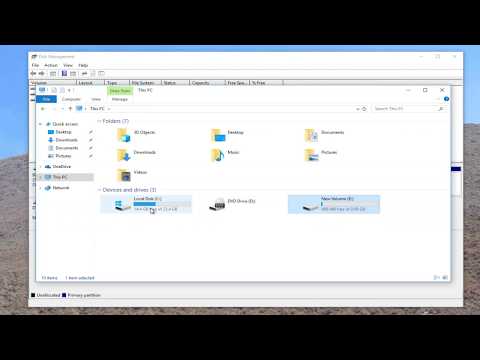
La riproduzione carica il player incorporato di YouTube (modalità privacy avanzata).
Come installare e attivare un secondo disco rigido in Windows 10
CanaleMDTechVideosInformazioni su questo tutorial
MDTechVideos ha pubblicato questo video tutorial di 2:35 il 31 ottobre 2018. È stato visto 67.902 volte su YouTube.
- Canale
- MDTechVideos
- Categoria
- Scienza e tecnologia
- Durata
- 2:35
- Pubblicato
- 31 ottobre 2018
- Visualizzazioni
- 67.902
- Mi piace
- 598
Condividi
Questo tutorial in altre lingue
- ENHow to Install and Activate a Second Hard Drive in Windows 10
- FRComment faire pour installer et activer un deuxième disque dur dans Windows 10
- ESCómo instalar y activar una segunda unidad de disco duro en Windows 10
- PTComo instalar e ativar um segundo disco rígido no Windows 10
- DEWie Installieren und eine zweite Festplatte in Windows 10 aktivieren
- NLHoe te installeren en activeren van een tweede harde schijf in Windows 10
- RUКак установить и активировать второй жесткий диск в Windows 10
- PLJak zainstalować i aktywować drugiego dysku twardego w systemie Windows 10
- JAWindowsの10でセカンドハードドライブをインストールし、アクティブにする方法
- ARكيفية تثبيت وتنشيط القرص الصلب الثاني في نظام التشغيل Windows 10
- HIकैसे स्थापित करें और Windows 10 में द्वितीय हार्ड ड्राइव सक्रिय करने के लिए
- IDCara Menginstal dan Mengaktifkan Hard Drive Kedua di Windows 10