Die Wiedergabe lädt den eingebetteten YouTube-Player (erweiterter Datenschutzmodus).
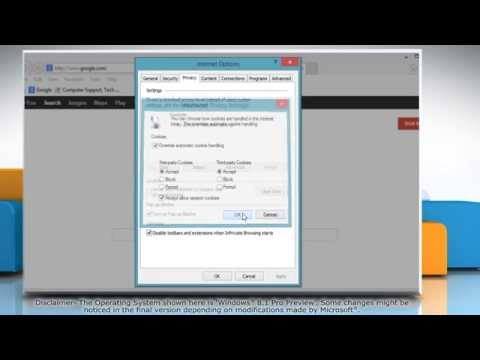
So aktivieren Sie Cookies in Internet Explorer® 11 auf Windows® 8.1
KanalHow-To GuideÜber dieses Tutorial
How-To Guide hat dieses 1:20 lange Video-Tutorial am 28. Oktober 2013 veröffentlicht. Es wurde 83.171-mal auf YouTube angesehen.
- Kanal
- How-To Guide
- Kategorie
- Wissenschaft & Technik
- Dauer
- 1:20
- Veröffentlicht
- 28. Oktober 2013
- Aufrufe
- 83.171
- Likes
- 89
Teilen
Dieses Tutorial in anderen Sprachen
- ENHow to Enable Cookies in Internet Explorer® 11 on Windows® 8.1
- FRComment activer les cookies dans Internet Explorer® 11 sur Windows® 8.1
- ESCómo habilitar las cookies en Internet Explorer 11 en Windows 8.1
- PTComo ativar cookies no Internet Explorer 11 no Windows 8.1
- ITCome attivare i cookie in Internet Explorer 11 su Windows 8.1
- NLHoe kan inschakelen Cookies in Internet Explorer 11 voor Windows 8.1
- RUКак включить Cookies в Internet Explorer® 11 в Windows® 8.1
- PLJak włączyć cookies w Internet Explorer® 11 na Windows 8.1
- JAWindows®の8.1上のインターネットExplorer®の11でクッキーを有効にする方法
- ARكيفية تمكين الكوكيز في إنترنت إكسبلورر 11 على ويندوز 8.1
- HIविंडोज 8.1 पर इंटरनेट में कुकीज़ एक्सप्लोरर 11 को सक्षम कैसे
- IDCara Aktifkan Cookies di Internet Explorer 11 di Windows 8.1