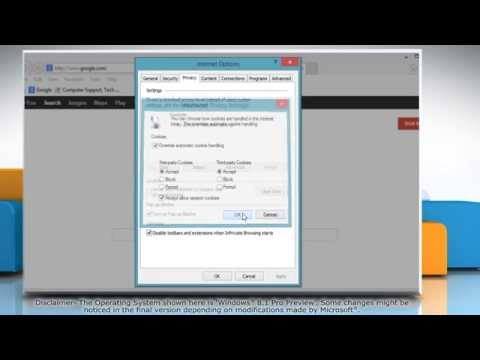
La riproduzione carica il player incorporato di YouTube (modalità privacy avanzata).
Come attivare i cookie in Internet Explorer 11 su Windows 8.1
CanaleHow-To GuideInformazioni su questo tutorial
How-To Guide ha pubblicato questo video tutorial di 1:20 il 28 ottobre 2013. È stato visto 83.171 volte su YouTube.
- Canale
- How-To Guide
- Categoria
- Scienza e tecnologia
- Durata
- 1:20
- Pubblicato
- 28 ottobre 2013
- Visualizzazioni
- 83.171
- Mi piace
- 89
Condividi
Questo tutorial in altre lingue
- ENHow to Enable Cookies in Internet Explorer® 11 on Windows® 8.1
- FRComment activer les cookies dans Internet Explorer® 11 sur Windows® 8.1
- ESCómo habilitar las cookies en Internet Explorer 11 en Windows 8.1
- PTComo ativar cookies no Internet Explorer 11 no Windows 8.1
- DESo aktivieren Sie Cookies in Internet Explorer® 11 auf Windows® 8.1
- NLHoe kan inschakelen Cookies in Internet Explorer 11 voor Windows 8.1
- RUКак включить Cookies в Internet Explorer® 11 в Windows® 8.1
- PLJak włączyć cookies w Internet Explorer® 11 na Windows 8.1
- JAWindows®の8.1上のインターネットExplorer®の11でクッキーを有効にする方法
- ARكيفية تمكين الكوكيز في إنترنت إكسبلورر 11 على ويندوز 8.1
- HIविंडोज 8.1 पर इंटरनेट में कुकीज़ एक्सप्लोरर 11 को सक्षम कैसे
- IDCara Aktifkan Cookies di Internet Explorer 11 di Windows 8.1