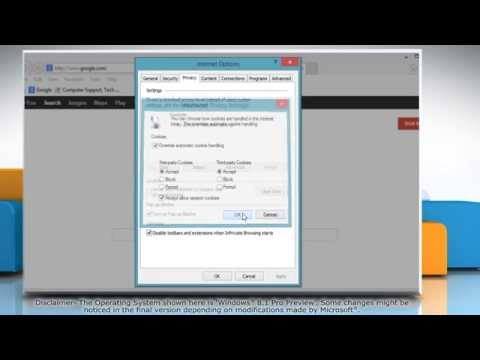
La lecture charge le lecteur YouTube intégré (mode confidentialité renforcée).
Comment activer les cookies dans Internet Explorer® 11 sur Windows® 8.1
ChaîneHow-To GuideÀ propos de ce tutoriel
How-To Guide a publié ce tutoriel vidéo de 1:20 le 28 octobre 2013. Il a été vu 83 171 fois sur YouTube.
- Chaîne
- How-To Guide
- Catégorie
- Science & technologie
- Durée
- 1:20
- Publié le
- 28 octobre 2013
- Vues
- 83 171
- J’aime
- 89
Partager
Ce tutoriel dans d’autres langues
- ENHow to Enable Cookies in Internet Explorer® 11 on Windows® 8.1
- ESCómo habilitar las cookies en Internet Explorer 11 en Windows 8.1
- PTComo ativar cookies no Internet Explorer 11 no Windows 8.1
- ITCome attivare i cookie in Internet Explorer 11 su Windows 8.1
- DESo aktivieren Sie Cookies in Internet Explorer® 11 auf Windows® 8.1
- NLHoe kan inschakelen Cookies in Internet Explorer 11 voor Windows 8.1
- RUКак включить Cookies в Internet Explorer® 11 в Windows® 8.1
- PLJak włączyć cookies w Internet Explorer® 11 na Windows 8.1
- JAWindows®の8.1上のインターネットExplorer®の11でクッキーを有効にする方法
- ARكيفية تمكين الكوكيز في إنترنت إكسبلورر 11 على ويندوز 8.1
- HIविंडोज 8.1 पर इंटरनेट में कुकीज़ एक्सप्लोरर 11 को सक्षम कैसे
- IDCara Aktifkan Cookies di Internet Explorer 11 di Windows 8.1