Playback starts YouTube’s embedded player (privacy-enhanced mode).
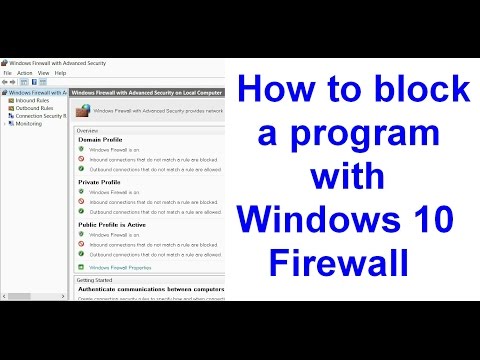
How to block a program with Windows 10 firewall
ChannelzxuserDescription from the creator
This video explains how to block a program using Windows 10 firewall. The Chrome browser is used here as an example.
Read the detailed description here:
zpostbox.ru/how_to_block_a_program_with_windows…
Read the detailed description here:
zpostbox.ru/how_to_block_a_program_with_windows…
About this tutorial
zxuser published this 4:48 video tutorial on November 9, 2016. It has been watched 35,564 times on YouTube.
Tags
Share
This tutorial in other languages
- FRComment faire pour bloquer un programme avec Windows 10 pare-feu
- ESCómo bloquear un programa con Windows 10 cortafuegos
- PTComo bloquear um programa com Windows 10 firewall
- ITCome bloccare un programma con 10 firewall di Windows
- DEWie ein Programm mit Windows-10-Firewall blockieren
- NLHoe kan ik een programma met Windows 10 firewall te blokkeren
- RUКак заблокировать программу с Windows 10 брандмауэра
- PLJak zablokować program w systemie Windows 10 zaporze
- JAWindowsの10ファイアウォールでプログラムをブロックする方法
- ARكيفية منع برنامج مع ويندوز 10 جدار الحماية
- HIWindows 10 फ़ायरवॉल के साथ एक कार्यक्रम ब्लॉक करने के लिए कैसे
- IDCara memblokir program dengan Windows 10 firewall