Playback starts YouTube’s embedded player (privacy-enhanced mode).
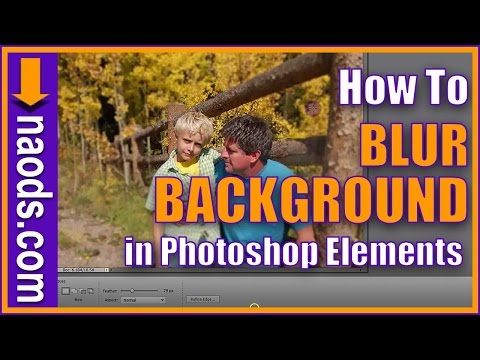
How to BLUR the BACKGROUND in Photoshop Elements Digital Scrapbooking and Photo Editing
ChannelMichelle StellingDescription from the creator
If you like what you see here and would like more info on Digital Scrapbooking or Photo Editing, join us over at our Private Facebook Group facebook.com/groups/PhotoEditing.DigiScrap.Comm…
About this tutorial
Michelle Stelling published this 6:40 video tutorial on November 1, 2017. It has been watched 5,073 times on YouTube.
- Channel
- Michelle Stelling
- Category
- Education
- Duration
- 6:40
- Published
- November 1, 2017
- Views
- 5,073
- Likes
- 42
Tags
Share
This tutorial in other languages
- FRComment flouter l'arrière-plan dans Photoshop Elements Scrapbooking numérique et la retouche photo
- ESCómo desenfocar el fondo digital en Photoshop Elements álbum de recortes y de edición de fotos
- PTComo desfocar o fundo no Photoshop Elements Digital Scrapbooking e edição de fotografias
- ITCome sfocare lo sfondo in Photoshop Elements Scrapbooking digitale e Photo Editing
- DEWie der Hintergrund in Photoshop Elements Digital Scrapbooking und Fotobearbeitung verschwimmen
- NLHoe de achtergrond in Photoshop Elements Digital Scrapbooking en fotobewerking van het onduidelijke beeld
- RUКак размыть фон в Photoshop Elements Digital Scrapbooking и редактирования фотографий
- PLJak rozmycie tła w Photoshop Elements cyfrowy scrapbooking i edycji zdjęć
- JAPhotoshop Elementsでデジタルスクラップブッキングと写真の編集で背景をぼかす方法
- ARكيفية طمس الخلفية في برنامج فوتوشوب عناصر سكرابوكينغ الرقمية وتحرير الصور
- HIमें फ़ोटोशॉप तत्वों डिजिटल स्क्रैपबुकिंग और फ़ोटो संपादन पृष्ठभूमि को धुंधला करने के लिए कैसे
- IDBagaimana untuk mengaburkan latar belakang di Photoshop Elements Digital Scrapbooking dan Photo Editing