Playback starts YouTube’s embedded player (privacy-enhanced mode).
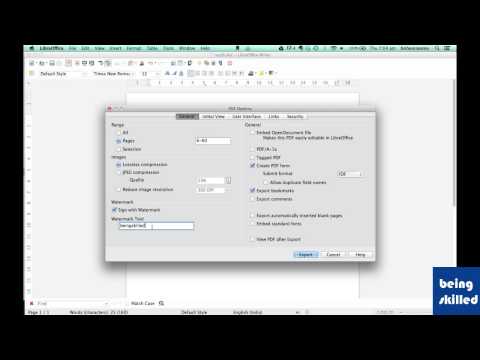
How to convert Libreoffice Documents into PDF file
ChannelBeing SkilledDescription from the creator
Convert Libreoffice Document into PDF file. This is a step by step tutorial on how to convert a Libreoffice Writer,Libreoffice Calc, Libreoffice Impress document into a PDF file which primarily disallows any changes, keeps the formatting of document as it is.
Also learn how to set password for exported PDF files.
Also learn how to set password for exported PDF files.
About this tutorial
Being Skilled published this 4:28 video tutorial on November 2, 2014. It has been watched 59,134 times on YouTube.
- Channel
- Being Skilled
- Category
- Education
- Duration
- 4:28
- Published
- November 2, 2014
- Views
- 59,134
- Likes
- 408
Tags
Share
This tutorial in other languages
- FROpen Office Writer Tutorial - 11 - Exporter au format PDF
- ESOpen Office escritor Tutorial - 11 - Exportar como PDF
- PTAbrir Office Writer Tutorial - 11 - Exportar como PDF
- ITOpen Office Writer Tutorial - 11 - Esporta come PDF
- DEOpen Office Writer Tutorial - 11 - Exportieren als PDF
- NLOpen Office Writer Tutorial - 11 - Exporteren als PDF
- RUOpen Office Writer Учебник - 11 - Экспорт в PDF
- PLOpen Office Writer Tutorial - 11 - Eksportuj jako PDF
- JAオープンオフィスライターのチュートリアル - 11 - 輸出としてPDF
- ARفتح مكتب الكاتب دروس - 11 - التصدير وPDF
- HIओपन ऑफ़िस लेखक ट्यूटोरियल - 11 - निर्यात के रूप में पीडीएफ
- IDBagaimana mengkonversi Libreoffice Dokumen ke dalam file PDF