Playback starts YouTube’s embedded player (privacy-enhanced mode).
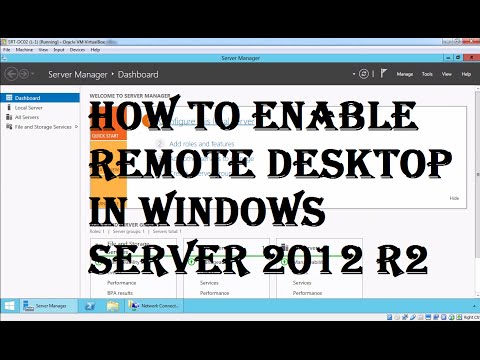
How to Enable Remote Desktop in Windows Server 2012 R2
ChannelMSFT WebCastDescription from the creator
In this video demonstration we will see how to enable remote desktop feature (RDP) in Windows Server 2012 R2, as well as we will see how to connect Windows Server 2012 R2 from another computer using Remote Desktop Protocol (RDP).
About this tutorial
MSFT WebCast published this 5:16 video tutorial on November 12, 2016. It has been watched 172,058 times on YouTube.
- Channel
- MSFT WebCast
- Category
- Education
- Duration
- 5:16
- Published
- November 12, 2016
- Views
- 172,058
- Likes
- 665
Tags
Share
This tutorial in other languages
- FRComment faire pour activer le Bureau à distance dans Windows Server 2012 R2
- ESCómo habilitar el escritorio remoto en Windows Server 2012 R2
- PTComo ativar o Remote Desktop no Windows Server 2012 R2
- ITCome attivare il desktop remoto in Windows Server 2012 R2
- DEWie Remote Desktop in Windows Server 2012 R2 aktivieren
- NLHoe Extern bureaublad inschakelen in Windows Server 2012 R2
- RUВключение удаленного рабочего стола в Windows Server 2012 R2
- PLJak włączyć pulpit zdalny w systemie Windows Server 2012 R2
- JAWindows Serverの2012 R2のリモートデスクトップを有効にする方法
- ARكيفية تمكين سطح المكتب البعيد في Windows Server 2012 R2
- HIकैसे विंडोज सर्वर 2012 R2 में दूरस्थ डेस्कटॉप सक्षम करने के लिए
- IDCara Aktifkan Remote Desktop pada Windows Server 2012 R2