Playback starts YouTube’s embedded player (privacy-enhanced mode).
How to get and set up your own Shoutcast radio
ChannelXcellDescription from the creator
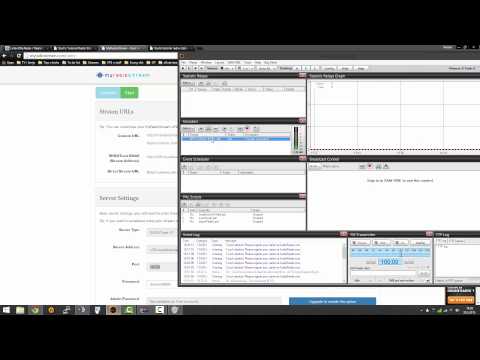
This is a tutorial in which I will show you how to get free Shoutcast stream and how to set up 2 programs Mixx and SAM broadcaster.Don't forget to comment and rate(and subscribe if you want ).Watch in HD for better quality.
Links you will need:
Links:
Listen2myradio: j.gs/5qDA
MyRadioStream: j.gs/5qDB
Mixxx: j.gs/5qDD
Mixxx lamemp3 libraries: j.gs/5qDE
SAM Broadcaster: j.gs/5qDG
Links you will need:
Links:
Listen2myradio: j.gs/5qDA
MyRadioStream: j.gs/5qDB
Mixxx: j.gs/5qDD
Mixxx lamemp3 libraries: j.gs/5qDE
SAM Broadcaster: j.gs/5qDG
About this tutorial
Xcell published this 14:51 video tutorial on November 11, 2015. It has been watched 27,475 times on YouTube.
Tags
Share
This tutorial in other languages
- FRComment obtenir et mettre en place votre propre radio Shoutcast
- ESCómo obtener y configurar su propia radio Shoutcast
- PTComo obter e definir o seu próprio rádio Shoutcast
- ITCome ottenere e impostare la propria radio Shoutcast
- DEWie zu lassen und Ihre eigene Shoutcast Radio einrichten
- NLHoe te krijgen en het opzetten van uw eigen Shoutcast radio
- RUКак получить и настроить свой собственный Shoutcast радио
- PLJak zdobyć i założyć własne radio Shoutcast
- JAあなた自身のShoutcastはラジオを取得し、設定する方法
- ARكيفية الحصول على وانشاء راديو شوتكاست الخاصة بك
- HIकैसे प्राप्त करें और अपने खुद Shoutcast रेडियो स्थापित करने के लिए
- IDCara mendapatkan dan mengatur radio Shoutcast Anda sendiri