Playback starts YouTube’s embedded player (privacy-enhanced mode).
How To Make a Booklet in MS Publisher
Channelreadlearngrow14Description from the creator
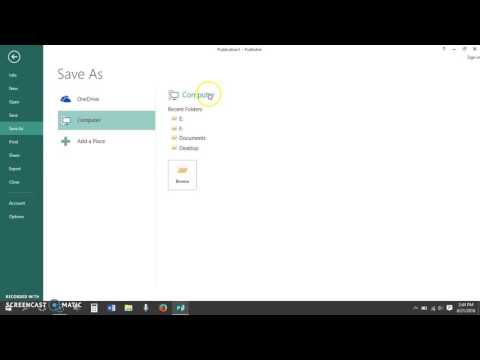
This screencast walks viewers through making an eight-page booklet or mini-book in Microsoft Publisher 2013. It details setting up the Publisher template, inserting page numbers, textboxes, tables, and images. It also shows viewers how to save the mini-book as a .pub file for future editing and as a .pdf file for easy sharing.
For a step-by-step help sheet on this topic, visit tinyurl.com/mspublisherbooklet
For a step-by-step help sheet on this topic, visit tinyurl.com/mspublisherbooklet
About this tutorial
readlearngrow14 published this 13:35 video tutorial on October 29, 2016. It has been watched 275,751 times on YouTube.
- Channel
- readlearngrow14
- Category
- Education
- Duration
- 13:35
- Published
- October 29, 2016
- Views
- 275,751
- Likes
- 1,322
Tags
Share
This tutorial in other languages
- FRComment faire un livret dans MS Publisher
- ESCómo hacer un folleto en MS Publisher
- PTComo fazer um livreto em MS Publisher
- ITCome fare un libretto in Microsoft Publisher
- DEWie man ein Booklet in MS Publisher Stellen
- NLHoe een boekje in MS Publisher Make
- RUКак сделать буклет в MS Publisher
- PLJak zrobić broszurę w MS Publisher
- JAMS Publisherで小冊子を作成する方法
- ARكيفية جعل كتيب في MS الناشر
- HIएमएस प्रकाशक में एक बुकलेट बनाने के लिए कैसे
- IDCara Membuat Booklet di MS Publisher