Playback starts YouTube’s embedded player (privacy-enhanced mode).
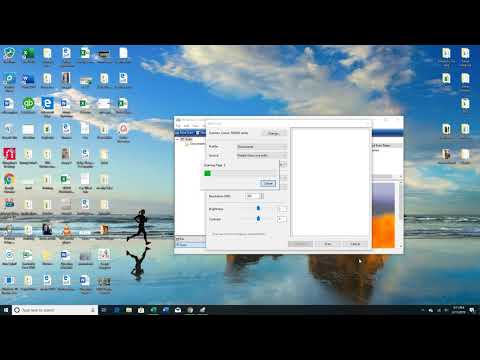
How to scan multiple pages to PDF using Windows Fax and Scan
ChannelAdam EgloffDescription from the creator
Here is a video on how to scan multiple pages to one PDF file using your home printer and Windows Fax and Scan. I couldn't find a video on how to do this so I created this one. Hope it helps!
About this tutorial
Adam Egloff published this 2:08 video tutorial on October 25, 2019. It has been watched 507,723 times on YouTube.
- Channel
- Adam Egloff
- Category
- Education
- Duration
- 2:08
- Published
- October 25, 2019
- Views
- 507,723
- Likes
- 1,522
Tags
Share
This tutorial in other languages
- FRComment numériser plusieurs pages à l'aide de PDF Télécopie et numérisation Windows
- ESCómo escanear varias páginas a PDF con Windows Fax y Escáner
- PTComo digitalizar várias páginas em PDF usando o Windows Fax e Scan
- ITCome eseguire la scansione di più pagine in PDF utilizzando Windows Fax e Scan
- DEWie mehrere Seiten PDF-Datei mit Windows-Fax und Scan-to-Scan
- NLHoe om meerdere pagina's naar PDF met behulp van Windows Faxen en scannen scannen
- RUКак сканировать несколько страниц в формат PDF с использованием Windows Fax и сканирования
- PLJak skanować wiele stron do formatu PDF za pomocą programu Faksowanie i skanowanie
- JAWindowsのFAXとスキャンを使用してPDFに複数ページをスキャンする方法
- ARكيفية مسح صفحات متعددة لPDF باستخدام Windows الفاكس والمسح الضوئي
- HIकैसे विंडोज फैक्स और स्कैन का उपयोग कर पीडीएफ करने के लिए कई पृष्ठों को स्कैन करने के लिए
- IDCara memindai beberapa halaman ke PDF menggunakan Windows Fax dan Scan