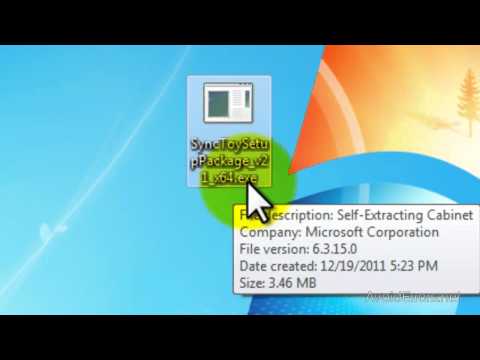
Playback starts YouTube’s embedded player (privacy-enhanced mode).
How to send executable files (.exe) files in Gmail
ChannelAvoidErrorsDescription from the creator
Email services including Gmail won’t allow us to send and receive executable files. Gmail automatically blocks these exe files and if you are able to send exe files Gmail will bounce it back to it's original sender automatically.
avoiderrors.net/?p=9587
avoiderrors.net/?p=9587
About this tutorial
AvoidErrors published this 3:15 video tutorial on October 30, 2012. It has been watched 50,679 times on YouTube.
- Channel
- AvoidErrors
- Category
- Education
- Duration
- 3:15
- Published
- October 30, 2012
- Views
- 50,679
- Likes
- 257
Tags
Share
This tutorial in other languages
- FRComment envoyer des fichiers exécutables (.exe fichiers) dans Gmail
- ES¿Cómo enviar archivos ejecutables (.exe) archivos en Gmail
- PTComo enviar arquivos de arquivos executáveis (.exe) no Gmail
- ITCome inviare file file eseguibili (.exe) in Gmail
- DEWie ausführbare Dateien (.exe) Dateien in Google Mail senden
- NLHoe maak je uitvoerbare bestanden (.exe) bestanden in Gmail verzenden
- RUКак отправить исполняемые файлы файлы (.exe) в Gmail
- PLJak wysłać pliki wykonywalne (.exe) pliki w Gmailu
- JAGmailで実行可能ファイル(.EXE)ファイルを送信する方法
- ARكيفية إرسال الملفات القابلة للتنفيذ الملفات (إكس) في Gmail
- HIकैसे जीमेल में निष्पादन योग्य फ़ाइलों (.exe) फ़ाइलें भेजने के लिए
- IDCara mengirim file executable (exe) file di Gmail