Playback starts YouTube’s embedded player (privacy-enhanced mode).
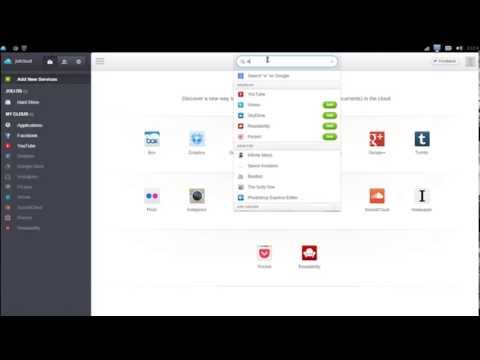
Joli OS Tutorial: How to Add an Application (Part 1)
ChannelDavid CantuDescription from the creator
To learn more computer tips and maintenance, please view my blog:
how-to-use-the-computer.blogspot.com/2012/12/le…
how-to-use-the-computer.blogspot.com/2012/12/le…
About this tutorial
David Cantu published this 0:30 video tutorial on October 31, 2013. It has been watched 153 times on YouTube.
- Channel
- David Cantu
- Category
- Education
- Duration
- 0:30
- Published
- October 31, 2013
- Views
- 153
- Likes
- 1
Tags
Share
This tutorial in other languages
- FRJoli OS Tutoriel: Comment ajouter une application (Partie 1)
- ESJolicloud Tutorial: Cómo agregar una aplicación (Parte 1)
- PTJolicloud Tutorial: Como adicionar um aplicativo (Parte 1)
- ITJoli OS Tutorial: Come aggiungere un'applicazione (parte 1)
- DEJoli OS Tutorial: Wie man eine Anwendung hinzufügen (Teil 1)
- NLJoli OS Tutorial: Hoe kan ik een applicatie toevoegen (Part 1)
- RUJoli OS Учебник: Как добавить приложение (часть 1)
- PLJoli OS Tutorial: Jak dodać aplikację (część 1)
- JAジョリOSチュートリアル:アプリケーション(その1)を追加する方法
- ARجولي OS البرنامج التعليمي: كيفية إضافة تطبيق (جزء 1)
- HIJoli ओएस ट्यूटोरियल: कैसे एक आवेदन (भाग 1) जोड़ें
- IDJoli OS Tutorial: Cara Menambahkan Aplikasi (Bagian 1)