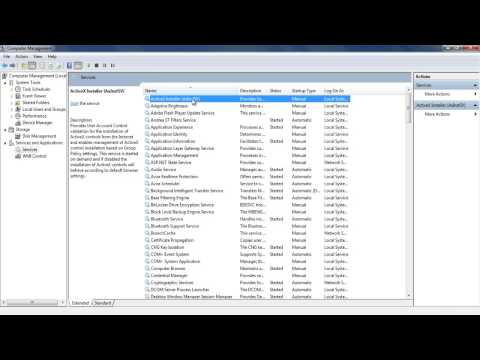
La reproducción carga el reproductor integrado de YouTube (modo de privacidad mejorada).
Cómo habilitar Conexión compartida a Internet en Windows 7
CanalHOWTECHSobre este tutorial
HOWTECH publicó este tutorial en vídeo de 0:54 el 11 de noviembre de 2013. Se ha visto 133.905 veces en YouTube.
- Canal
- HOWTECH
- Categoría
- Consejos y estilo
- Duración
- 0:54
- Publicado
- 11 de noviembre de 2013
- Visualizaciones
- 133.905
- Me gusta
- 272
Compartir
Este tutorial en otros idiomas
- ENHow to Enable Internet Connection Sharing in Windows 7
- FRComment activer le partage de connexion Internet dans Windows 7
- PTComo ativar o compartilhamento de conexão com a Internet no Windows 7
- ITCome abilitare Condivisione connessione Internet in Windows 7
- DEWie man Internet Connection Sharing in Windows 7 aktivieren
- NLHoe kan inschakelen Internet-verbinding delen in Windows 7
- RUКак включить общий доступ к подключению к Интернету в Windows 7
- PLJak włączyć Udostępnianie połączenia internetowego w systemie Windows 7
- JAWindows 7のインターネット接続の共有を有効にする方法
- ARكيفية تمكين مشاركة اتصال الإنترنت في ويندوز 7
- HIकैसे विंडोज 7 में इंटरनेट कनेक्शन वितरण सक्षम करने के लिए
- IDCara Aktifkan Internet Connection Sharing di Windows 7