La lecture charge le lecteur YouTube intégré (mode confidentialité renforcée).
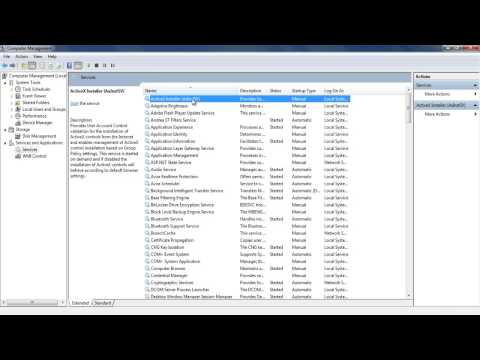
Comment activer le partage de connexion Internet dans Windows 7
ChaîneHOWTECHÀ propos de ce tutoriel
HOWTECH a publié ce tutoriel vidéo de 0:54 le 11 novembre 2013. Il a été vu 133 905 fois sur YouTube.
- Chaîne
- HOWTECH
- Catégorie
- Astuces & style
- Durée
- 0:54
- Publié le
- 11 novembre 2013
- Vues
- 133 905
- J’aime
- 272
Partager
Ce tutoriel dans d’autres langues
- ENHow to Enable Internet Connection Sharing in Windows 7
- ESCómo habilitar Conexión compartida a Internet en Windows 7
- PTComo ativar o compartilhamento de conexão com a Internet no Windows 7
- ITCome abilitare Condivisione connessione Internet in Windows 7
- DEWie man Internet Connection Sharing in Windows 7 aktivieren
- NLHoe kan inschakelen Internet-verbinding delen in Windows 7
- RUКак включить общий доступ к подключению к Интернету в Windows 7
- PLJak włączyć Udostępnianie połączenia internetowego w systemie Windows 7
- JAWindows 7のインターネット接続の共有を有効にする方法
- ARكيفية تمكين مشاركة اتصال الإنترنت في ويندوز 7
- HIकैसे विंडोज 7 में इंटरनेट कनेक्शन वितरण सक्षम करने के लिए
- IDCara Aktifkan Internet Connection Sharing di Windows 7