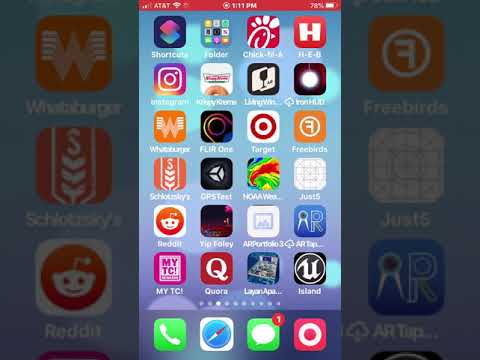
Playback starts YouTube’s embedded player (privacy-enhanced mode).
How to find the UDID for an iOS device
ChannelChilton WebbDescription from the creator
You might need the UDID for an iOS device if you need to install software via adhoc distribution. The UDID is a secret number that identifies your hardware. It is used by Apple to authorize an app to be installed on your device without going through the App Store. You probably will not need this info unless an Apple Developer has requested it, so they can authorize your device to work with their software.
The url in the video is get.udid.io
Good luck!
The url in the video is get.udid.io
Good luck!
About this tutorial
Chilton Webb published this 1:52 video tutorial on January 29, 2020. It has been watched 219,641 times on YouTube.
- Channel
- Chilton Webb
- Category
- Film & Animation
- Duration
- 1:52
- Published
- January 29, 2020
- Views
- 219,641
- Likes
- 650
Share
This tutorial in other languages
- FRComment trouver l'UDID pour un appareil iOS
- ES¿Cómo encontrar el UDID de un dispositivo iOS
- PT, Como encontrar a UDID para um dispositivo iOS
- ITCome trovare l'UDID per un dispositivo iOS
- DEWie die UDID für ein iOS-Gerät finden
- NLHoe de UDID voor een iOS-apparaat vinden
- RUКак найти UDID для устройства IOS
- PLJak znaleźć UDID na urządzeniu z systemem iOS
- JAiOSデバイスのためのUDIDを見つける方法
- ARكيفية العثور على UDID لجهاز دائرة الرقابة الداخلية
- HIएक iOS डिवाइस के लिए UDID को खोजने के लिए कैसे
- IDBagaimana menemukan UDID untuk perangkat iOS