Playback starts YouTube’s embedded player (privacy-enhanced mode).
How To Block a Program with Windows Firewall
ChannelTechHutDescription from the creator
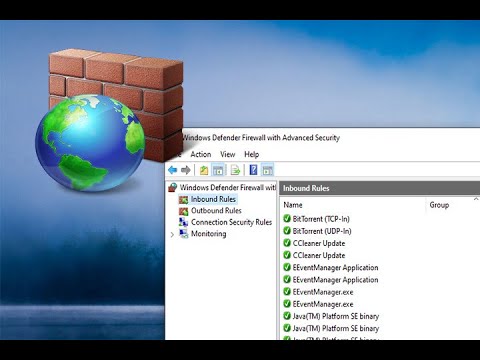
Windows Defender Firewall with Advanced Security in Windows 10 is the go to way to be able to block software from accessing public or private internet access. Watch this step by step tutorial to learn more. Remember if you cannot find the program you're looking for check the %appdata% directory.
About this tutorial
TechHut published this 3:35 video tutorial on January 9, 2020. It has been watched 123,154 times on YouTube.
Tags
Share
This tutorial in other languages
- FRComment faire pour bloquer un programme Pare-feu Windows
- ESCómo bloquear un programa con el Firewall de Windows
- PTComo bloquear um programa com o Windows Firewall
- ITCome bloccare un programma con Windows Firewall
- DESo blockieren Sie ein Programm mit Windows-Firewall
- NLHow To Block Een programma met Windows Firewall
- RUКак заблокировать программы с помощью брандмауэра Windows
- PLJak zablokować program Zapora systemu Windows
- JAどのようにWindowsファイアウォールを持つべきブロックプログラム
- ARكيفية منع برنامج مع جدار حماية Windows
- HIकैसे करने के लिए ब्लॉक Windows फ़ायरवॉल के साथ एक कार्यक्रम
- IDCara Block Program dengan Windows Firewall