Playback starts YouTube’s embedded player (privacy-enhanced mode).
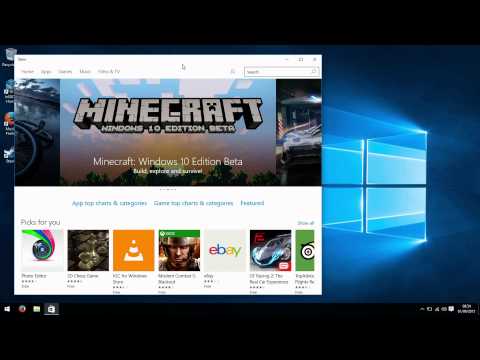
How to disable automatic app updates in Windows 10
ChannelBrue ComputingDescription from the creator
Cumulative Update #5 has added a new feature to Windows 10 - the ability to disable automatic application updates from the Windows store.
We take a look at how to select this, and discuss what the feature does and doesn't do.
We take a look at how to select this, and discuss what the feature does and doesn't do.
About this tutorial
Brue Computing published this 1:37 video tutorial on November 8, 2015. It has been watched 8,011 times on YouTube.
- Channel
- Brue Computing
- Category
- Gaming
- Duration
- 1:37
- Published
- November 8, 2015
- Views
- 8,011
- Likes
- 58
Tags
Share
This tutorial in other languages
- FRComment désactiver les mises à jour d'applications automatiques dans Windows 10
- ESCómo desactivar las actualizaciones automáticas de aplicaciones en Windows 10
- PTComo desativar atualizações de aplicativos automáticas no Windows 10
- ITCome disattivare gli aggiornamenti automatici delle applicazioni in Windows 10
- DEWie deaktivieren Sie die automatische App-Updates in Windows 10
- NLHoe kan ik automatische app-updates in Windows 10 uit te schakelen
- RUКак отключить автоматическое обновление приложений в Windows 10
- PLJak wyłączyć automatyczne aktualizacje aplikacji w systemie Windows 10
- JAWindowsの10での自動アプリのアップデートを無効にする方法
- ARكيفية تعطيل تحديثات التطبيق التلقائي في نظام التشغيل Windows 10
- HIकैसे Windows 10 में स्वत: ऐप अपडेट निष्क्रिय करने के लिए
- IDCara menonaktifkan update aplikasi otomatis dalam Windows 10