Playback starts YouTube’s embedded player (privacy-enhanced mode).
How to add or delete a web page from your reading list in safari
ChannelTom LeemanDescription from the creator
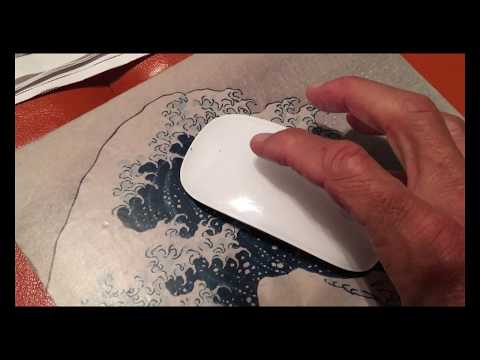
How to add or delete a web page to your reading list in safari. Put your curser on the web page to the left in reader then slide your finger without pressing down to click from the right to the left of your mouse. It will disappear by its self if you slide far enough! To add click in URL box on the circle with the cross.
About this tutorial
Tom Leeman published this 3:08 video tutorial on November 7, 2019. It has been watched 17,660 times on YouTube.
- Channel
- Tom Leeman
- Category
- Howto & Style
- Duration
- 3:08
- Published
- November 7, 2019
- Views
- 17,660
- Likes
- 162
Tags
Share
This tutorial in other languages
- FRComment ajouter ou supprimer une page web à partir de votre liste de lecture dans Safari
- ESCómo añadir o eliminar una página web de la lista de lectura en Safari
- PTComo adicionar ou excluir uma página web a partir de sua lista de leitura em safari
- ITCome aggiungere o eliminare una pagina Web dalla tua lista di lettura in Safari
- DEWie hinzuzufügen, oder eine Web-Seite aus Ihrer Leseliste in Safari löschen
- NLHoe toe te voegen of te verwijderen van een webpagina uit je leeslijst in safari
- RUКак добавить или удалить веб-страницу из списка чтения в сафари
- PLJak dodać lub usunąć stronę z listy czytania w safari
- JASafariであなたの読書リストからWebページを追加または削除する方法
- ARكيفية إضافة أو حذف صفحة ويب من قائمة القراءة الخاصة بك في رحلات السفاري
- HIजोड़ सकते हैं या सफारी में अपने पठन सूची से एक वेब पेज कैसे हटाएं
- IDCara menambah atau menghapus halaman web dari daftar bacaan Anda di safari