Playback starts YouTube’s embedded player (privacy-enhanced mode).
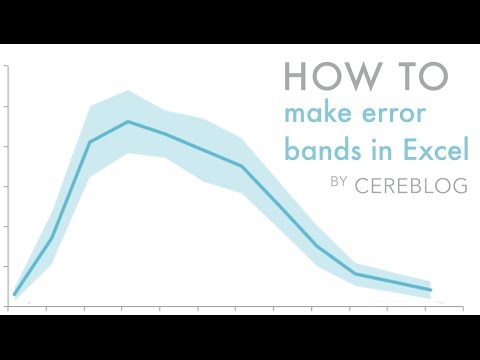
How to create shaded error bands using Excel for Mac
ChannelCereblogDescription from the creator
This tutorial shows you how to create shaded error bands in Excel. Shaded error bands are useful when you want to convey the error associated with points in a line graph in an elegant and clean way.
For a full, written tutorial, visit CEREBLOG at the link below:
nmarinsek.com/tutorial-how-to-make-shaded-error…
For a full, written tutorial, visit CEREBLOG at the link below:
nmarinsek.com/tutorial-how-to-make-shaded-error…
About this tutorial
Cereblog published this 6:58 video tutorial on October 31, 2014. It has been watched 82,920 times on YouTube.
- Channel
- Cereblog
- Category
- Howto & Style
- Duration
- 6:58
- Published
- October 31, 2014
- Views
- 82,920
- Likes
- 429
Tags
Share
This tutorial in other languages
- FRComment créer des bandes d'erreur mouchetée à l'aide d'Excel pour Mac
- ESCómo crear bandas de error sombreadas con Excel para Mac
- PTComo criar bandas de erro sombreadas usando o Excel para Mac
- ITCome creare bande di errore ombreggiate con Excel per Mac
- DEWie man im Schatten Fehlerbänder für Mac mit Excel erstellen
- NLHoe maak je de schaduw error bands met behulp van Excel voor Mac creëren
- RUКак создать затененные группы ошибок с помощью Excel для Mac
- PLJak stworzyć zacienione zespoły błąd za pomocą programu Excel dla komputerów Mac
- JAMac用のExcelを使用して影エラーバンドを作成する方法
- ARكيفية إنشاء العصابات خطأ المظللة باستخدام Excel لنظام التشغيل Mac
- HIमैक के लिए Excel का उपयोग छायांकित त्रुटि बैंड बनाने के लिए कैसे
- IDCara membuat berbayang band kesalahan menggunakan Excel untuk Mac