Playback starts YouTube’s embedded player (privacy-enhanced mode).
How To Disable Auto-Update Apps on Android
ChannelAnthony GodinhoDescription from the creator
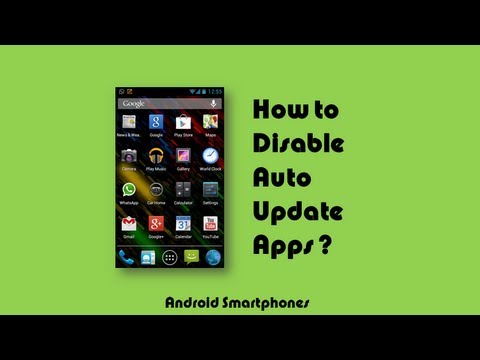
In this video tutorial you will learn how to disable the auto-update feature for apps on your Android smartphones and devices. Automatic updates on Android apps can be useful, but if you're not aware of what apps you've downloaded, they could contain malware and spyware in updates. Also, updates could include change in permissions granted to the app(s) to access private information on your Android device. You can change both, global settings as well as settings on individual apps.
Here is the link to an updated version of the video that I created in Oct 2014:
youtube.com/watch?v=1hROIMg3vh8
Here is the link to an updated version of the video that I created in Oct 2014:
youtube.com/watch?v=1hROIMg3vh8
About this tutorial
Anthony Godinho published this 2:56 video tutorial on November 9, 2013. It has been watched 294,872 times on YouTube.
- Channel
- Anthony Godinho
- Category
- Howto & Style
- Duration
- 2:56
- Published
- November 9, 2013
- Views
- 294,872
- Likes
- 2,154
Tags
Share
This tutorial in other languages
- FRComment désactiver l'auto-mise à jour Apps sur Android
- ESCómo deshabilitar Actualizar las aplicaciones automáticamente en Android
- PTComo desativar Aplicativos Auto-Atualização sobre Android
- ITCome disattivare Aggiornamento automatico app su Android
- DESo deaktivieren Sie Auto-Update Apps auf Android
- NLHoe schakel ik Auto-Update-apps op Android
- RUКак отключить приложения Auto-Update на Android
- PLJak wyłączyć auto-update na Android
- JAどのようにAndroidの上に無効に自動更新アプリ
- ARكيفية تعطيل تطبيقات التحديث التلقائي على الروبوت
- HIकैसे Android पर करने के लिए एप्लिकेशन स्वत: अपडेट अक्षम
- IDCara Nonaktifkan Auto-Update Aplikasi di Android