Playback starts YouTube’s embedded player (privacy-enhanced mode).
How to Use Home Sharing with iTunes Library For Dummies
ChannelfordummiesDescription from the creator
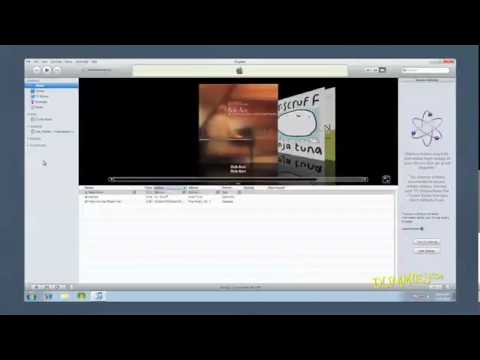
Use Home Share, a new feature in iTunes 9, to browse iTunes libraries of up to five computers in your house. You can import items from those lists, play songs, and automatically add new purchases made on other computers to your own library. This video shows you how.
About this tutorial
fordummies published this 1:50 video tutorial on October 30, 2011. It has been watched 62,164 times on YouTube.
- Channel
- fordummies
- Category
- Howto & Style
- Duration
- 1:50
- Published
- October 30, 2011
- Views
- 62,164
- Likes
- 48
Tags
Share
This tutorial in other languages
- FRComment utiliser le partage à domicile avec bibliothèque iTunes pour les nuls
- ESCómo utilizar Compartir en casa con la biblioteca de iTunes Para Dummies
- PTComo usar o Compartilhamento Familiar com iTunes biblioteca para Dummies
- ITCome utilizzare Condivisione in famiglia iTunes Library per Dummies
- DEWie zu verwenden Home Sharing mit iTunes-Bibliothek für Dummies
- NLHoe te gebruiken thuisdeling met iTunes-bibliotheek voor Dummies
- RUКак использовать Home Sharing с ITunes библиотеки для чайников
- PLJak korzystać z iTunes Home Sharing Library for Dummies
- JAどのようにiTunesのライブラリと併用するホームシェアリングにダミーのため
- ARكيفية استخدام تقاسم الرئيسية مع اي تيونز المكتبة للحصول على الدمى
- HIकैसे करने के लिए लाइब्रेरी Dummies के लिए iTunes के साथ प्रयोग करें होम शेयरिंग
- IDCara Gunakan Home Sharing dengan iTunes Library For Dummies