Playback starts YouTube’s embedded player (privacy-enhanced mode).
Tutorial: Templates
ChannelTodoistDescription from the creator
Todoist is free to use. Sign up here: todo.ist/3eFmscv
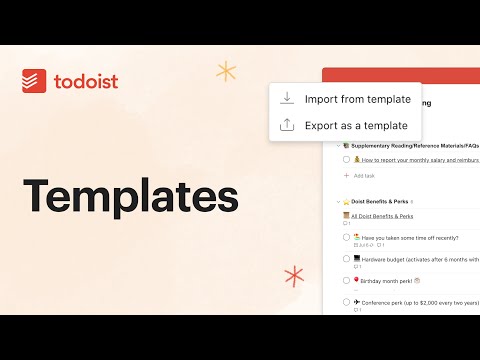
Some projects don’t only happen once. If you find yourself doing repetitive work and re-creating the same type of project again and again, save time by re-using your original project and turning it into a project template. You can then re-use the template as many times as you want.
You can export project templates as CSV files, or as links that you can easily save for later use or share with others.
Learn more about saved templates: get.todoist.help/hc/articles/208821185
Some projects don’t only happen once. If you find yourself doing repetitive work and re-creating the same type of project again and again, save time by re-using your original project and turning it into a project template. You can then re-use the template as many times as you want.
You can export project templates as CSV files, or as links that you can easily save for later use or share with others.
Learn more about saved templates: get.todoist.help/hc/articles/208821185
About this tutorial
Todoist published this 2:03 video tutorial on May 28, 2020. It has been watched 36,641 times on YouTube.
- Channel
- Todoist
- Category
- Howto & Style
- Duration
- 2:03
- Published
- May 28, 2020
- Views
- 36,641
- Likes
- 126