Playback starts YouTube’s embedded player (privacy-enhanced mode).
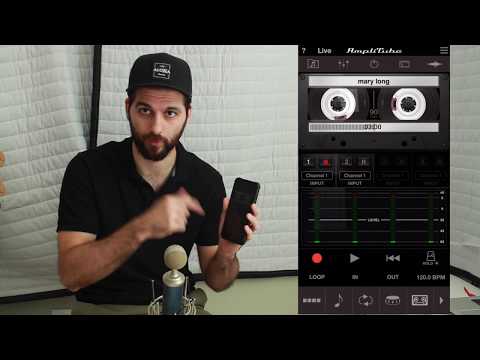
How to create backing tracks (with the AmpliTube app)
ChannelDogwithtwoBonesDescription from the creator
We all know guitarbackingtrack.com but what happens if the song we badly want to cover has no backing tracks? Well if it has a guitar pro tab you can create a track from the midis but that will be far from the originals. Here's a great and easy way to try making them with a few clicks on your phone. Of course it does not work with everything but there are many solos on my channel I used this way to create a backing track for.
Join our Blackmore LESSONs Facebook group:
facebook.com/groups/190171348335817/
Check us out on Facebook:
facebook.com/dogwith2bones/
Join our Blackmore LESSONs Facebook group:
facebook.com/groups/190171348335817/
Check us out on Facebook:
facebook.com/dogwith2bones/
About this tutorial
DogwithtwoBones published this 7:51 video tutorial on October 28, 2018. It has been watched 36,357 times on YouTube.
- Channel
- DogwithtwoBones
- Category
- Music
- Duration
- 7:51
- Published
- October 28, 2018
- Views
- 36,357
- Likes
- 395
Tags
Share
This tutorial in other languages
- FRComment créer des pistes d'accompagnement (avec l'application AmpliTube)
- ESCómo crear pistas de acompañamiento (con la aplicación AmpliTube)
- PTComo criar faixas de apoio (com o aplicativo AmpliTube)
- ITCome creare basi (con l'app AmpliTube)
- DEWie man Backs (mit AmpliTube app) erstellen
- NLHoe wordt backing tracks (met AmpliTube app) te creëren
- RUКак создать минусовки (с приложением AmpliTube)
- PLJak tworzyć utwory podkładowe (z aplikacji AmpliTube)
- JA(のAmpliTubeアプリで)バッキング・トラックを作成する方法
- ARكيفية إنشاء دعم المسارات (مع أجل التطبيق AmpliTube)
- HIसमर्थन पटरियों (AmpliTube अनुप्रयोग के साथ) बनाने के लिए कैसे
- IDCara membuat backing track (dengan aplikasi AmpliTube)