Playback starts YouTube’s embedded player (privacy-enhanced mode).
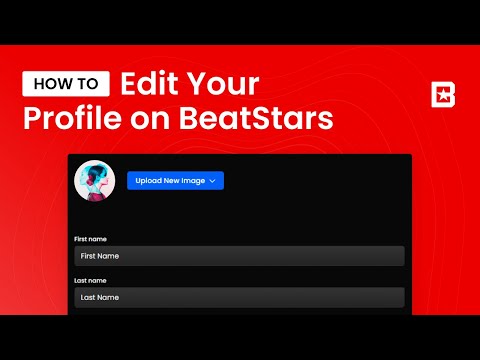
How to Edit your Profile
ChannelBeatStarsDescription from the creator
How to edit your profile on BeatStars. Learn how to change your username, your display name, location, URL, and more on BeatStars.
Connect with BeatStars here ⬇️
instagram.com/beatstars
twitter.com/beatstars
facebook.com/beatstars
linkedin.com/beatstars
twitch.com/beatstars
youtube.com/beatstars
🔥 Check out the BeatStars Tutorials playlist here: youtube.com/playlist?list=PL4SzJ6kpdImg7Ze6OenG…
Connect with BeatStars here ⬇️
instagram.com/beatstars
twitter.com/beatstars
facebook.com/beatstars
linkedin.com/beatstars
twitch.com/beatstars
youtube.com/beatstars
🔥 Check out the BeatStars Tutorials playlist here: youtube.com/playlist?list=PL4SzJ6kpdImg7Ze6OenG…
About this tutorial
BeatStars published this 4:38 video tutorial on October 12, 2020. It has been watched 8,065 times on YouTube.
Tags
Share
This tutorial in other languages
- FRComment modifier votre profil
- ESCómo editar su perfil
- PTComo editar o seu perfil
- ITCome Modifica il tuo profilo
- DEWie Ihr Profil bearbeiten
- NLHoe kunt u uw profiel te bewerken
- RUКак изменить свой профиль
- PLJak edytować swój profil
- JAあなたのプロフィールを編集する方法
- ARكيفية تعديل الملف الشخصي الخاص بك
- HIअपने प्रोफ़ाइल का संपादन करें कैसे
- IDCara Mengedit Profil Anda