Afspelen laadt de ingesloten YouTube-speler (privacyvriendelijke modus).
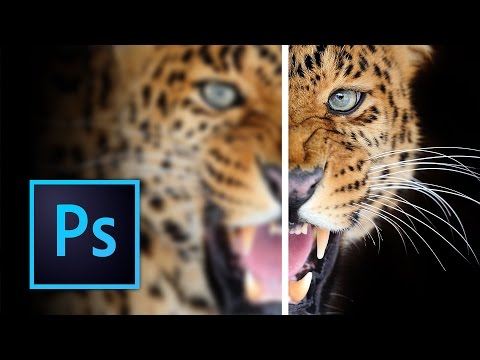
Hoe je foto’s in Photoshop scherper maakt
KanaalKelvin DesignsBeschrijving van de maker
In deze video laat ik je een paar manieren zien om je foto’s in Photoshop scherper te maken. Van de Unsharp Mask tot de High Pass-filter, het scherpheidgereedschap en het gebruik van Camera Raw. Zo maak je je foto’s kristalhelder!
Over deze tutorial
Kelvin Designs publiceerde deze videotutorial van 25:39 op 6 november 2016. Hij is 1.812.648 keer bekeken op YouTube.
- Kanaal
- Kelvin Designs
- Categorie
- Onderwijs
- Duur
- 25:39
- Gepubliceerd
- 6 november 2016
- Weergaven
- 1.812.648
- Likes
- 17.885
Delen
Deze tutorial in andere talen
- ENHow to Sharpen Images in Photoshop
- FRComment affiner vos images dans Photoshop
- ESCómo enfocar las imágenes en Photoshop
- PTComo realçar imagens em Photoshop
- ITCome affilare Immagini in Photoshop
- DEWie zu schärfen Bilder in Photoshop
- RUКак резкость изображения в Photoshop
- PLJak wyostrzyć obrazy w Photoshopie
- JAPhotoshopで画像をシャープにする方法
- ARكيفية شحذ الصور في فوتوشوب
- HIकैसे Photoshop में पैना छवियाँ के लिए
- IDCara Gambar Pertajam di Photoshop